About this component
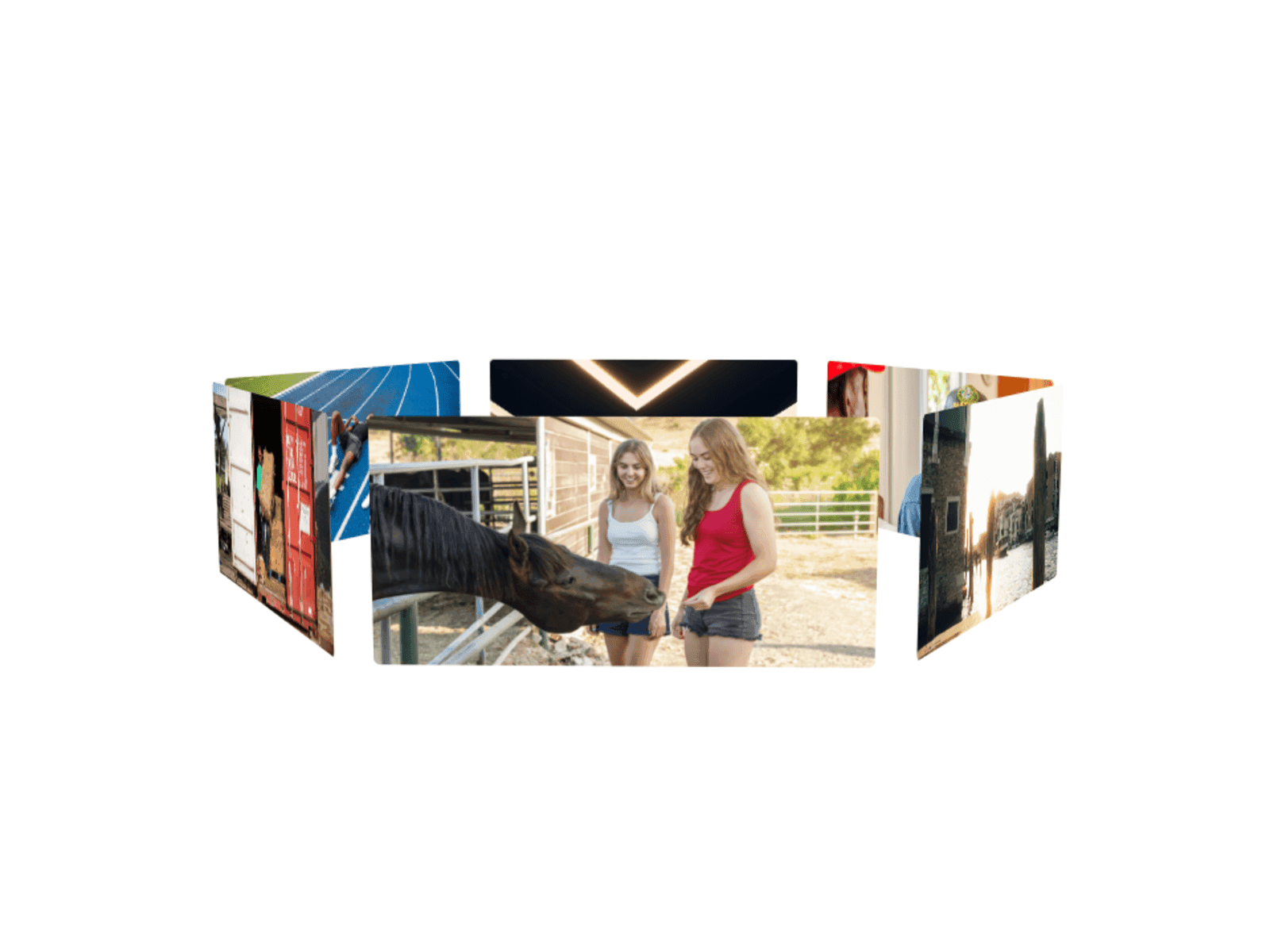
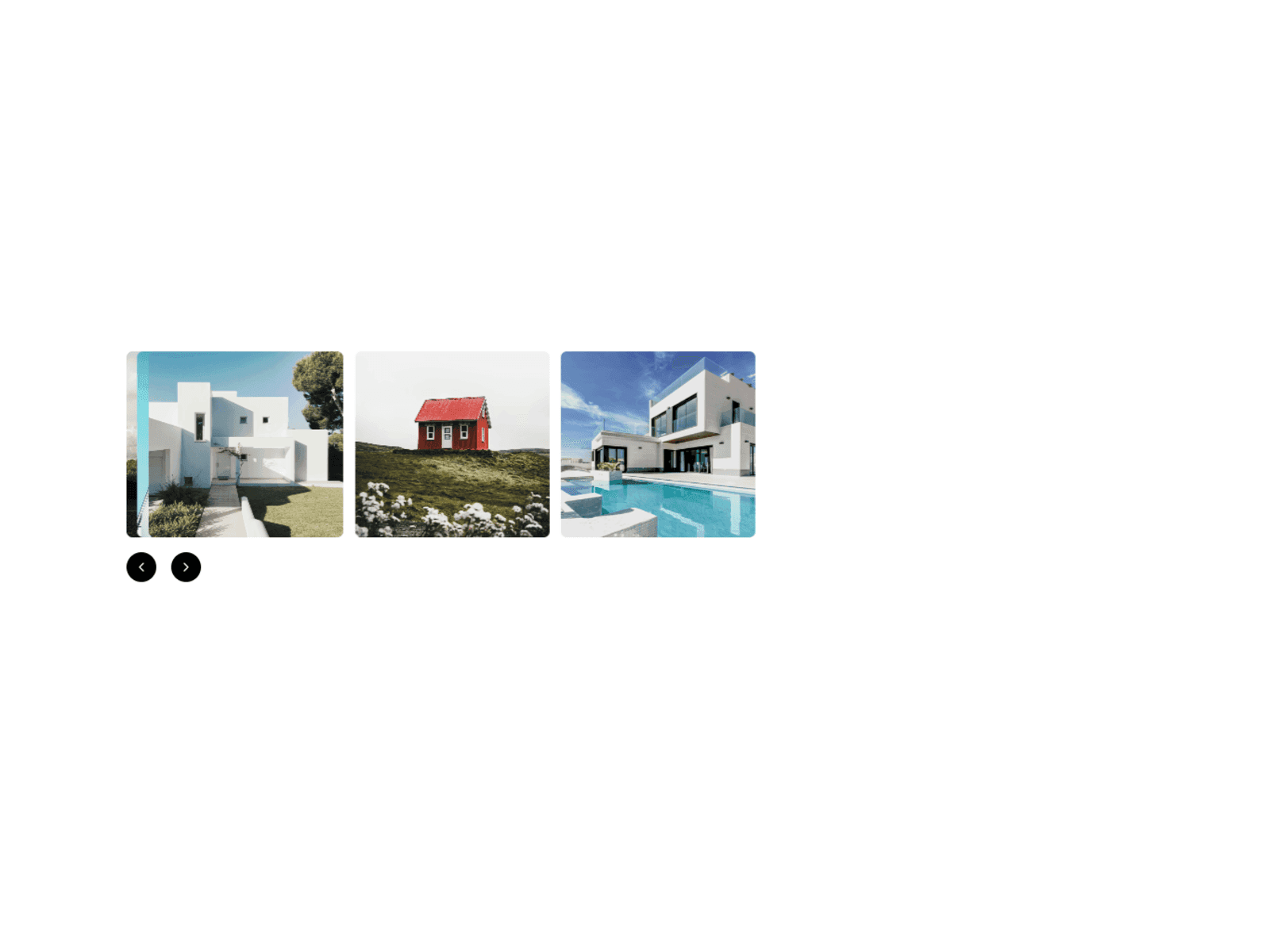
The Stacking Slider is a sophisticated carousel component that creates an elegant card-stacking effect as users navigate through content. Unlike traditional sliders, cards stack on the left with a customizable visible offset, creating a premium layered appearance that adds depth and visual interest to your designs.
Key Features:
Dynamic Stacking Effect: Cards slide left and stack with adjustable offset visibility (default 20px)
Smooth Bi-directional Navigation: Seamless forward and backward transitions with Framer Motion
Fully Customizable Arrows: Upload custom icons or use built-in arrows with color, background, hover states, and border radius controls
Responsive Design: Separate offset settings for mobile and desktop with automatic breakpoint detection at 992px
Flexible Layout: Adjustable card gaps (0-100px) and button positioning (left/center/right alignment)
Native Framer Integration: Works like the native carousel - connect any components or layers as slides
Professional Controls: 15+ property controls for complete customization without touching code
Perfect for:
Portfolio showcases
Product galleries
Testimonial carousels
Featured content sections
Case study highlights
Team member profiles
The component maintains proper z-index ordering, handles edge cases gracefully (disabled arrows at start/end), and provides smooth animations with customizable Framer transitions.
component by
Omakase Design
Stacking Cards Slider
A premium stacking carousel where cards elegantly slide and stack with customizable offsets, perfect for showcasing portfolios, testimonials, or featured content.
01
EASY DROP-IN SETUP
02
SMART PROPERTIES & CONTROLS
03
RESPONSIVE BY DEFAULT
04
CLEAN AUTO-LAYOUT STRUCTURE
05
VARIANTS & STATES INCLUDED
06
PERFORMANCE-OPTIMIZED
07
REUSABLE ACROSS UNLIMITED PROJECTS
Last Updated
Need help or support?