[

Framer component library

]

Agent-ready Framer components.

Agent-ready Framer components.

Named layers and clean hierarchy, so the animation holds up when you or an AI agent restructure the page around it. Buttons, preloaders, carousels, navigation and cursor effects for your Framer projects.

Named layers and clean hierarchy, so the animation holds up when you or an AI agent restructure the page around it. Buttons, preloaders, carousels, navigation and cursor effects for your Framer projects.

24

components shipped

From $3

3

free components

6

groups

[

What's inside

]

Sorted by functionality.

Find components by what you want it to do. No guesswork. No time-wasting

[

What's inside

]

Sorted by functionality.

Find components by what you want it to do. No guesswork. No time-wasting

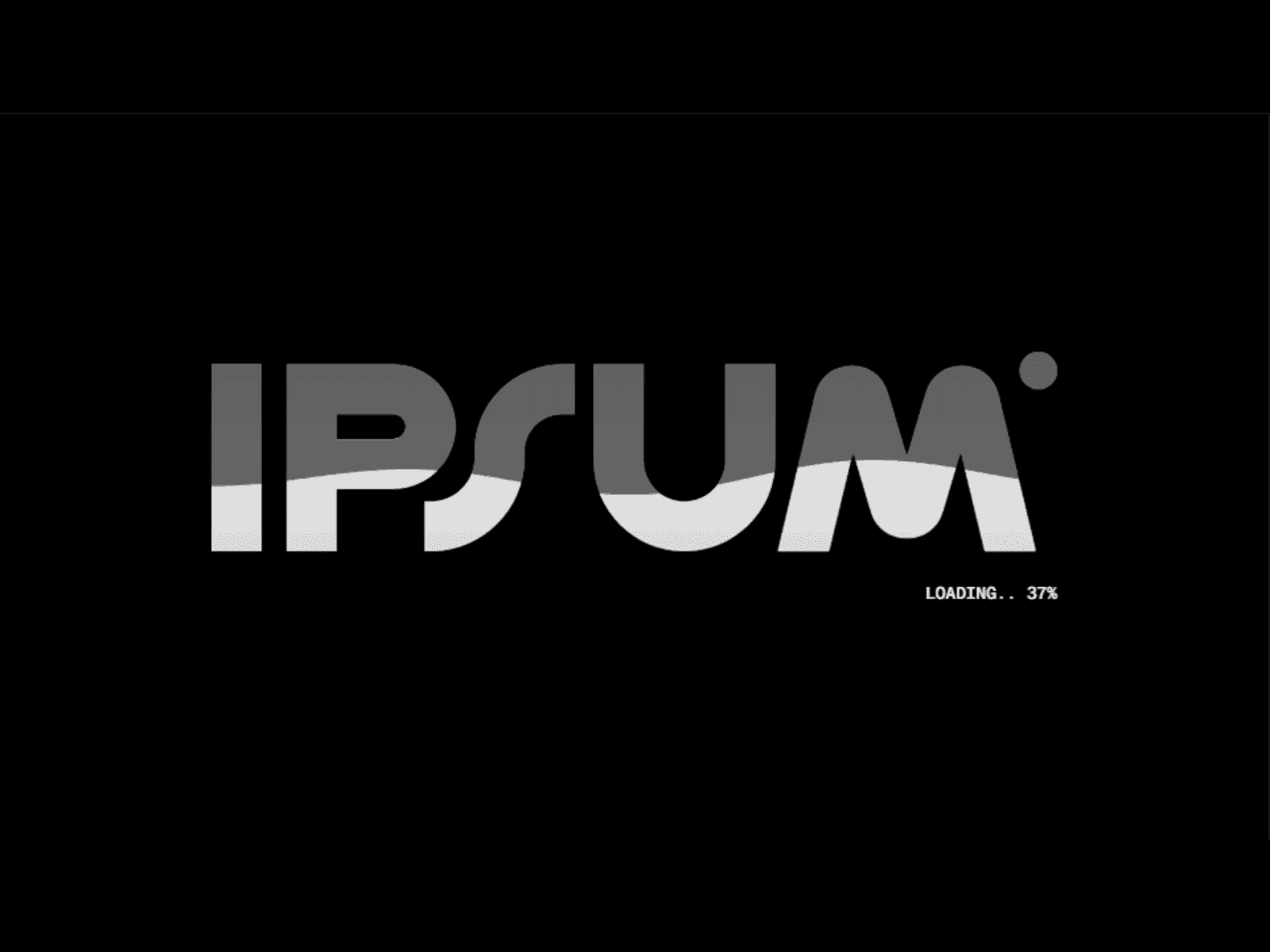
Preloaders

3

Counter, water fill, logo fill. The first three seconds of a site, handled.

29%

Carousels

1

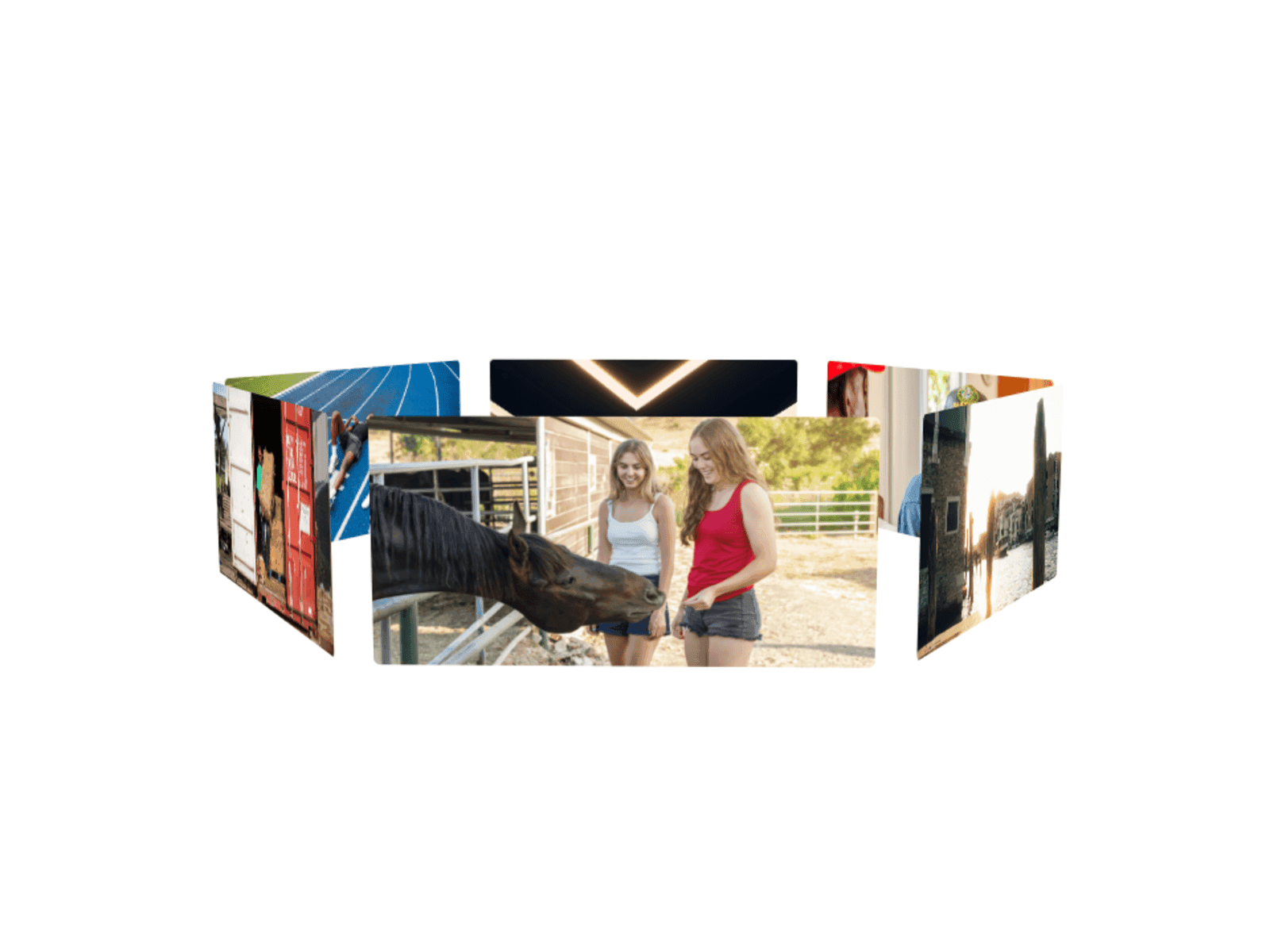
3D orbit carousel with drag and momentum.

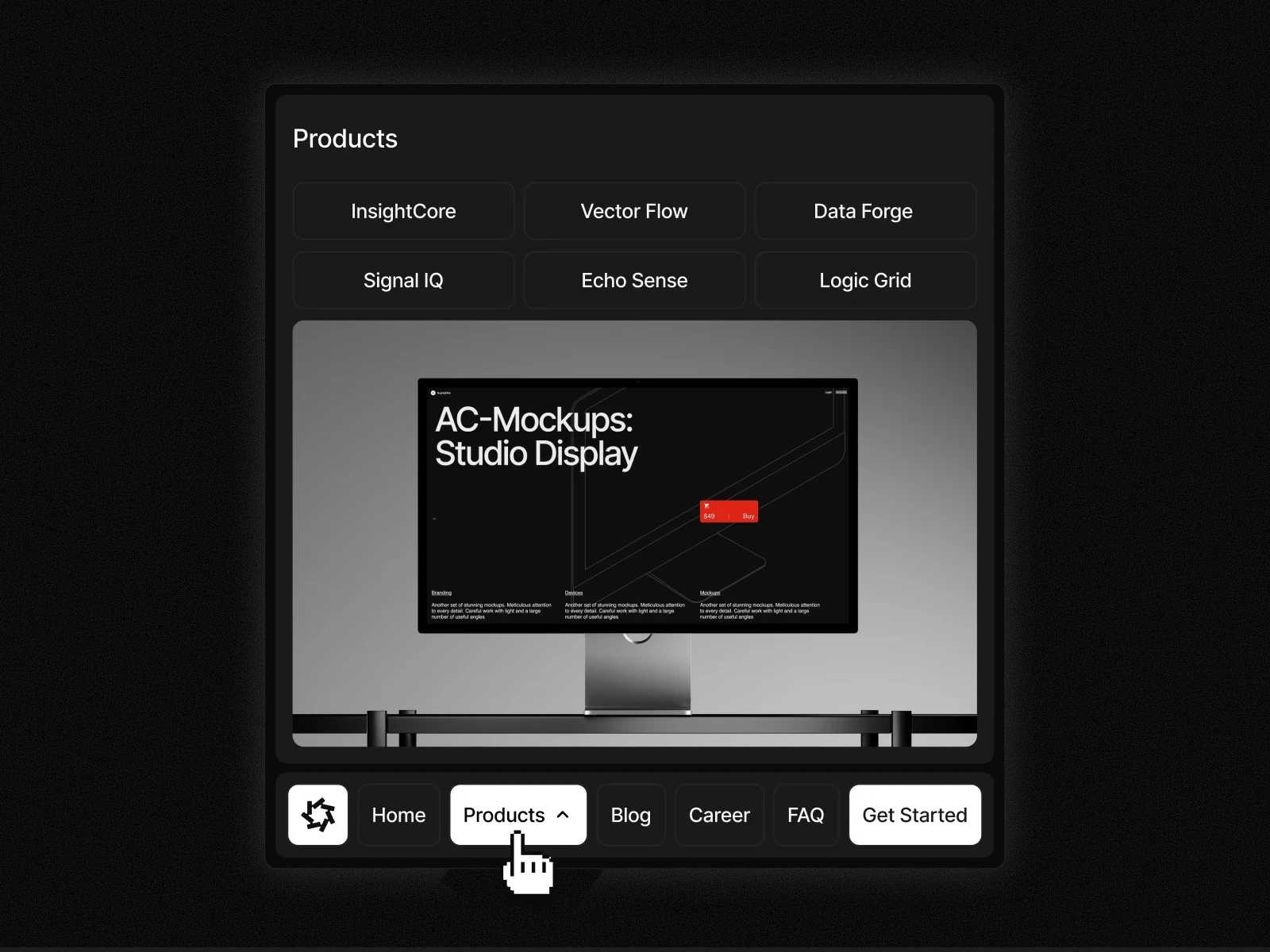
Navigation

1

Bottom sticky navbar that survives mobile.

Home

Work

About

Contact

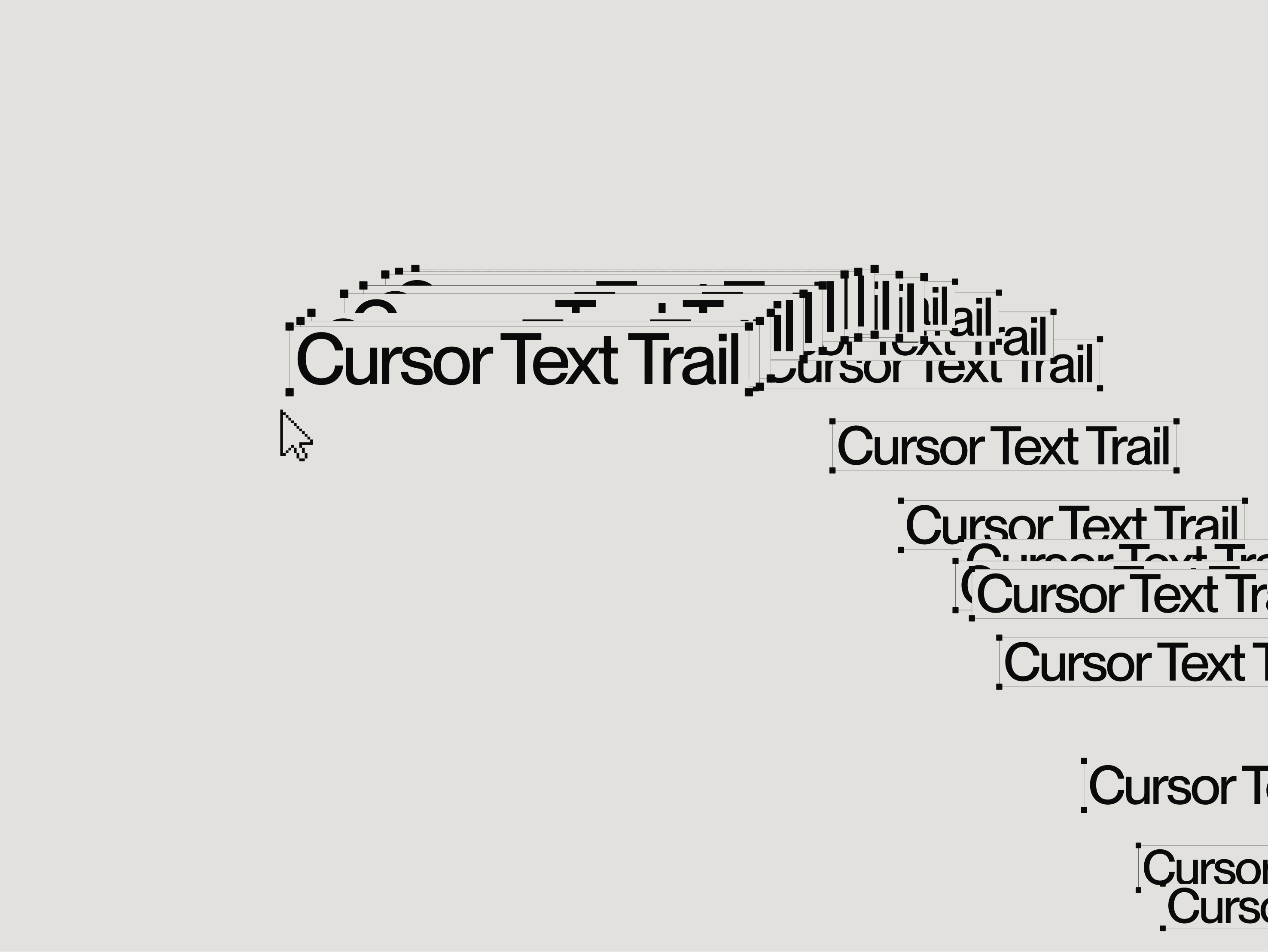
Interactive

5

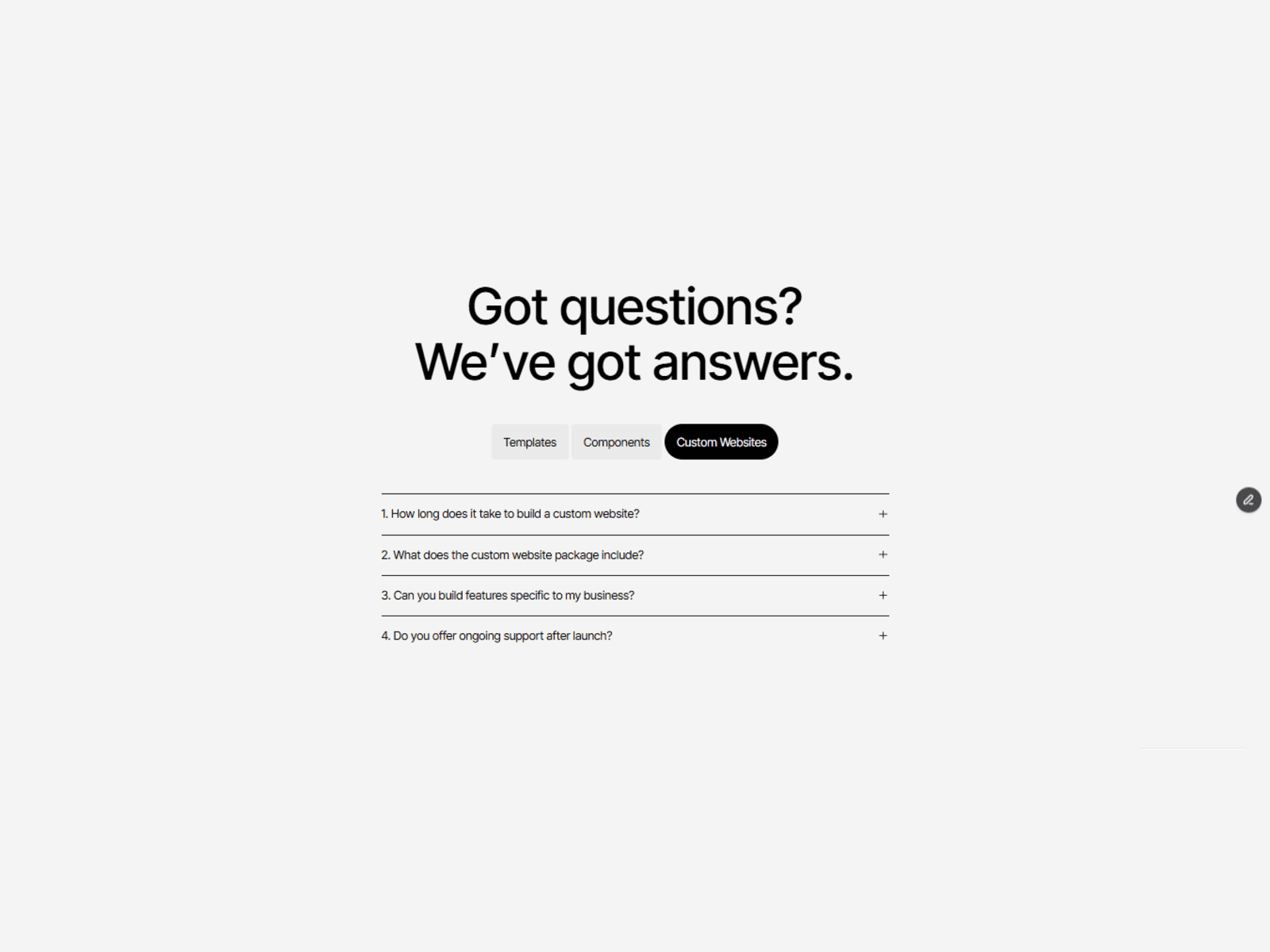
Ripples, cursor trails, torch reveal, block reveal, expandable FAQ.

Sliders

3

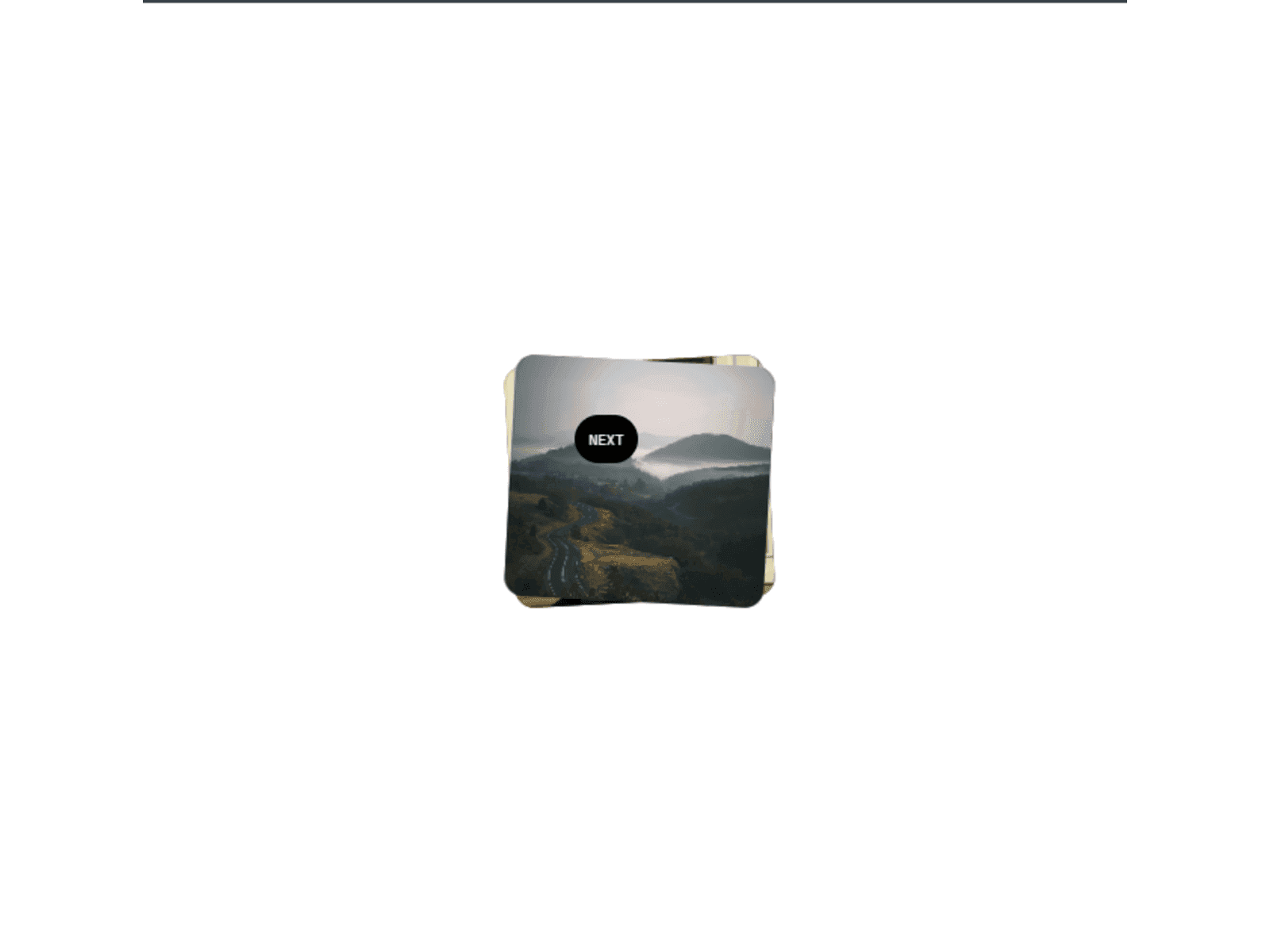
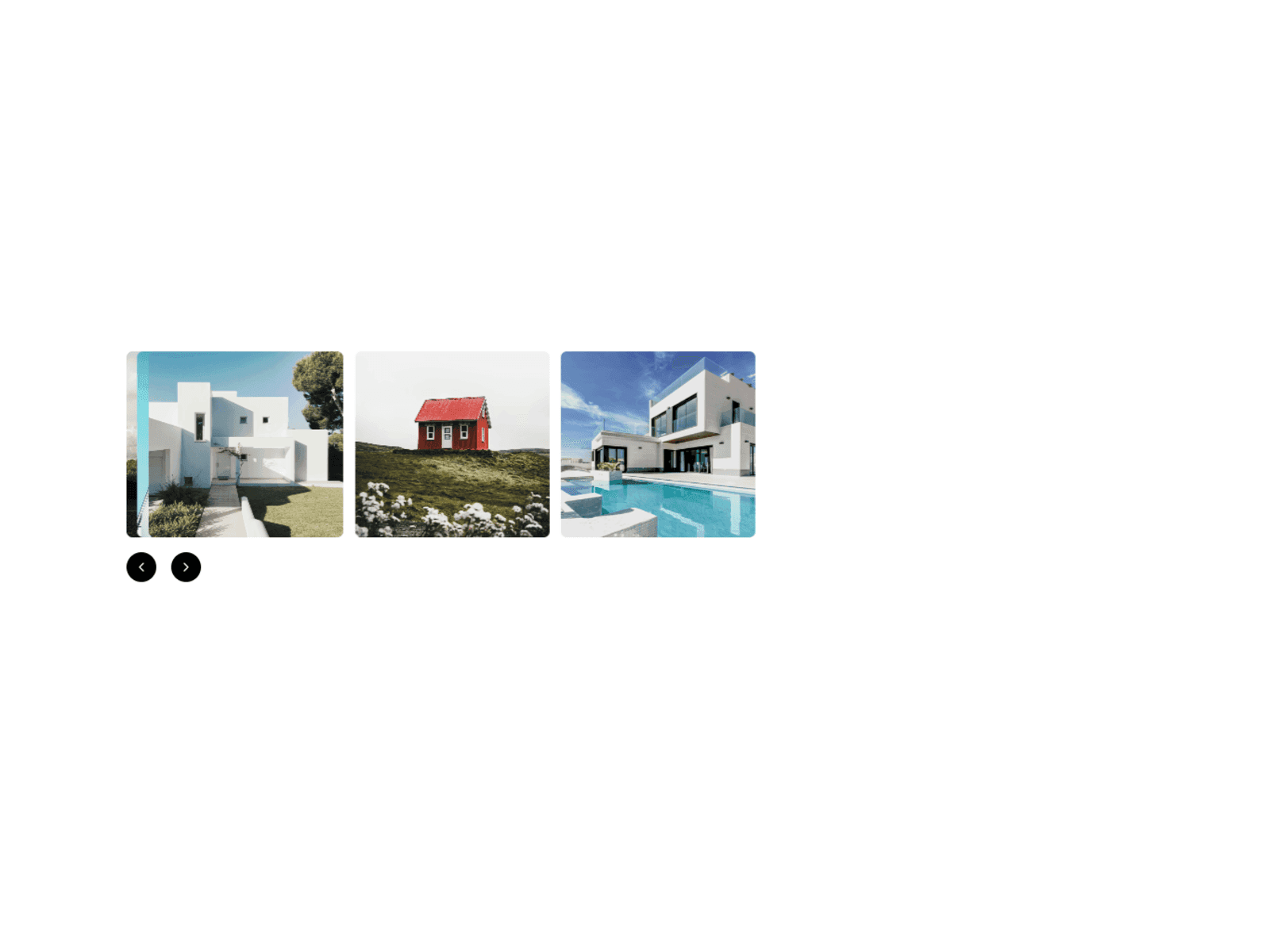
Stacking cards, with and without a custom cursor, and an infinite parallax slider with three layouts.
[

How to use

]

Four steps into any project.

[

How to use

]

Four steps into any project.

Step 1: pick a component from the library

Pick one, or take the lot

Buy a single component for a few dollars, or get everything with the membership. Three are free — start there if you’re unsure. Same components either way.

Step 2: remix the component into your Framer workspace

Remix it into your workspace

Checkout hands you a Remix link. One click opens the component’s project as a copy in your Framer workspace — from there, copy the component into any project.

Step 3: edit colours, type, spacing and timing in the properties panel

Make it yours

Colours, type, spacing and timing are all editable from the properties panel. Click to match your brand. Or let Framer’s agent, Claude Code or Cursor do the retheming.

Step 4: ship it

Ship it

Unlimited personal and client projects, no per-site licences. The only thing you can’t do is resell the components themselves. If anything sticks, tech@oma-kase.com answers.

Step 1: pick a component from the library

Pick one, or take the lot

Buy a single component for a few dollars, or get everything with the membership. Three are free — start there if you’re unsure. Same components either way.

Step 2: remix the component into your Framer workspace

Remix it into your workspace

Checkout hands you a Remix link. One click opens the component’s project as a copy in your Framer workspace — from there, copy the component into any project.

Step 3: edit colours, type, spacing and timing in the properties panel

Make it yours

Colours, type, spacing and timing are all editable from the properties panel. Click to match your brand. Or let Framer’s agent, Claude Code or Cursor do the retheming.

Step 4: ship it

Ship it

Unlimited personal and client projects, no per-site licences. The only thing you can’t do is resell the components themselves. If anything sticks, tech@oma-kase.com answers.

[

faq

]

Straight answers

Portrait of an Omakase team member

Still have questions?

Reach out to us and we’ll get back to you within 24 hours.

What are Omakase components?
Agent-ready components for Framer. They include: buttons, preloaders, carousels, sticky navigation, cursor effects and reveal animations. Each one was built to be customizable by either a person or an AI-agent. Buy them individually from $3, or get all of them plus the templates, Figma files and DESIGN.md with a membership plan.
Do the components work with my existing Framer project?
Yes. Checkout hands you a Remix link that opens the component's project as a copy in your Framer workspace. From there, copy the component into any project, new or existing.
Can I use them on client projects?
Yes. Use them on unlimited personal and client projects, with no per-site licences. The only thing you can't do is resell the components themselves.
What does "agent-ready" mean?
Every component ships with named layers and a clean hierarchy, so the animation holds up when you or an AI agent restructure the page around it. Retheme it from the properties panel yourself, or let Framer's agent, Claude Code or Cursor do it.
What's the difference between All Access and Lifetime?
TBC: answer needed. Explain how All Access and Lifetime differ: price, what's included, and how long access lasts.
What happens if I cancel?
TBC: answer needed. Explain what a member keeps after cancelling and what stops.
Should I buy individually or get a plan?
Buy individually if you only need one or two. Components start at $3. If you want more, a membership plan gets you every component plus the templates, Figma files and DESIGN.md.
Are the free components limited versions?
TBC: answer needed. Confirm whether the three free components are the full versions.
What happened to the $199 lifetime bundle?
TBC: answer needed. Explain what happened to the $199 lifetime bundle and what existing owners keep.

[

faq

]

Straight answers

What are Omakase components?
Agent-ready components for Framer. They include: buttons, preloaders, carousels, sticky navigation, cursor effects and reveal animations. Each one was built to be customizable by either a person or an AI-agent. Buy them individually from $3, or get all of them plus the templates, Figma files and DESIGN.md with a membership plan.
Do the components work with my existing Framer project?
Yes. Checkout hands you a Remix link that opens the component's project as a copy in your Framer workspace. From there, copy the component into any project, new or existing.
Can I use them on client projects?
Yes. Use them on unlimited personal and client projects, with no per-site licences. The only thing you can't do is resell the components themselves.
What does "agent-ready" mean?
Every component ships with named layers and a clean hierarchy, so the animation holds up when you or an AI agent restructure the page around it. Retheme it from the properties panel yourself, or let Framer's agent, Claude Code or Cursor do it.
What's the difference between All Access and Lifetime?
TBC: answer needed. Explain how All Access and Lifetime differ: price, what's included, and how long access lasts.
What happens if I cancel?
TBC: answer needed. Explain what a member keeps after cancelling and what stops.
Should I buy individually or get a plan?
Buy individually if you only need one or two. Components start at $3. If you want more, a membership plan gets you every component plus the templates, Figma files and DESIGN.md.
Are the free components limited versions?
TBC: answer needed. Confirm whether the three free components are the full versions.
What happened to the $199 lifetime bundle?
TBC: answer needed. Explain what happened to the $199 lifetime bundle and what existing owners keep.
Portrait of an Omakase team member

Still have questions?

Reach out to us and we’ll get back to you within 24 hours.

[

faq

]

Straight answers

What are Omakase components?
Agent-ready components for Framer. They include: buttons, preloaders, carousels, sticky navigation, cursor effects and reveal animations. Each one was built to be customizable by either a person or an AI-agent. Buy them individually from $3, or get all of them plus the templates, Figma files and DESIGN.md with a membership plan.
Do the components work with my existing Framer project?
Yes. Checkout hands you a Remix link that opens the component's project as a copy in your Framer workspace. From there, copy the component into any project, new or existing.
Can I use them on client projects?
Yes. Use them on unlimited personal and client projects, with no per-site licences. The only thing you can't do is resell the components themselves.
What does "agent-ready" mean?
Every component ships with named layers and a clean hierarchy, so the animation holds up when you or an AI agent restructure the page around it. Retheme it from the properties panel yourself, or let Framer's agent, Claude Code or Cursor do it.
What's the difference between All Access and Lifetime?
TBC: answer needed. Explain how All Access and Lifetime differ: price, what's included, and how long access lasts.
What happens if I cancel?
TBC: answer needed. Explain what a member keeps after cancelling and what stops.
Should I buy individually or get a plan?
Buy individually if you only need one or two. Components start at $3. If you want more, a membership plan gets you every component plus the templates, Figma files and DESIGN.md.
Are the free components limited versions?
TBC: answer needed. Confirm whether the three free components are the full versions.
What happened to the $199 lifetime bundle?
TBC: answer needed. Explain what happened to the $199 lifetime bundle and what existing owners keep.
Portrait of an Omakase team member

Still have questions?

Reach out to us and we’ll get back to you within 24 hours.

[

Itadakimasu

]

Let us decide the hard parts.

Send us the site. In 48 hours you’ll know exactly what’s wrong with it and what it’s costing you.

[

Itadakimasu

]

Let us decide the hard parts.

Send us the site. In 48 hours you’ll know exactly what’s wrong with it and what it’s costing you.

[

Itadakimasu

]

Let us decide the hard parts.

Send us the site. In 48 hours you’ll know exactly what’s wrong with it and what it’s costing you.