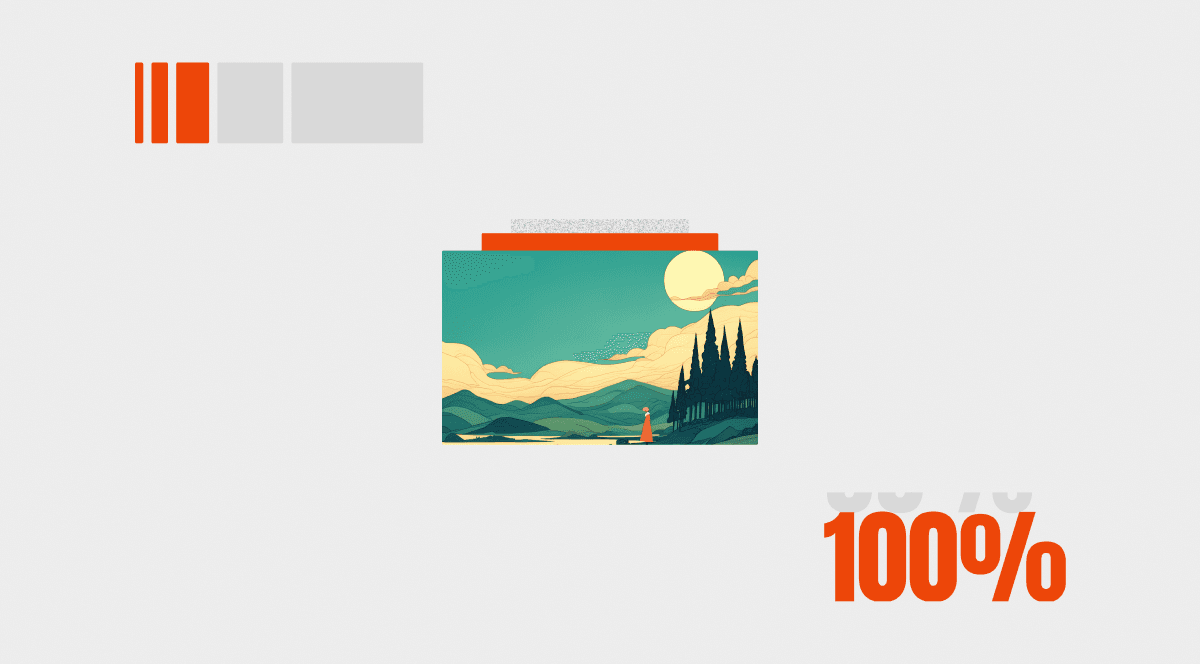


A preloader is the short animation or screen visitors see while your Framer site finishes loading its assets. Done well, it masks the gap between clicking a link and seeing a fully rendered page, turning a moment of uncertainty into a branded first impression. Done poorly, it delays content for no reason and annoys everyone.
This matters more on Framer than on most platforms. Framer sites tend to be visually rich (hero videos, high-res imagery, scroll animations) and all of that media takes a beat to load. A good preloader smooths over that beat so visitors never see a flash of unstyled content or a blank white screen.
We've tested and hand-picked the best free and paid Framer preloader components for 2026, plus a quick decision guide and our final picks.
TL;DR Comparison Table
Here's every component at a glance. "Real load" means the preloader responds to actual asset loading progress; "timed" means it runs for a fixed duration regardless. Frequency tells you whether the preloader fires on every page visit, once per browser session, or on a custom interval you control.
Component | Free / Paid | Real Load vs Timed | Code / No-Code | Frequency | Animation Style | Best For |
|---|---|---|---|---|---|---|
Free | Timed | No-code | Every visit | Logo blur/scale reveal | Most Framer sites needing a branded intro | |
Free | Timed | No-code | Every visit | Brand name + animated images | Portfolio and agency hero intros | |
$4 | Real load | No-code | Once per session | Gradual logo color fill | Brand-first sites wanting a premium logo moment | |
Free | Timed | No-code | Every visit | Upward wipe content reveal | Minimal, Awwwards-style sites | |
Free | Timed | No-code | Every visit | Letter-by-letter blur/fade | Typographic brand identities | |
Free | Timed | No-code | Every visit | 0→100 counter + overlay exit | High-end portfolio and agency sites | |
$4 | Timed | No-code (GSAP) | Every visit | Multilingual greeting sequence | International brands and agencies | |
$4 | Real load (optional) | No-code | Every visit | Rolling counter + progress bar | Sites needing real-load sync and bold typography | |
$5 | Timed | No-code | Every visit | Hand-drawn "Hello" text animation | Creative studios and Apple-inspired brands | |
$4 | Real load | No-code | Once per session | Sliding counter + synced progress bar | Portfolio, agency, and product launch sites | |
$7 | Timed | No-code (GSAP) | Every visit | 8 concentric breathing text rings | High-end agency and editorial sites | |
$10 | Timed | No-code | Every visit | Retro pixel disintegration | Gaming, streetwear, bold brands | |
$10 | Timed | No-code | Every visit | Animated bar indicators | App-style interfaces and SaaS products | |
$10 | Timed | No-code | Every visit | Logo / video / progress bar | Teams needing one flexible component | |
$4 | Real load | No-code | Once per session | Logo water-rise fill animation | Premium brand sites and SaaS launches | |
$4 | Timed | No-code | First visit or every visit | 14 entrance/exit animation combos | Developers who want maximum options |
The Best Framer Preloader Components (Free + Paid)
1. Logo Preloader by Brett Jackson
Free · 3,500+ installs
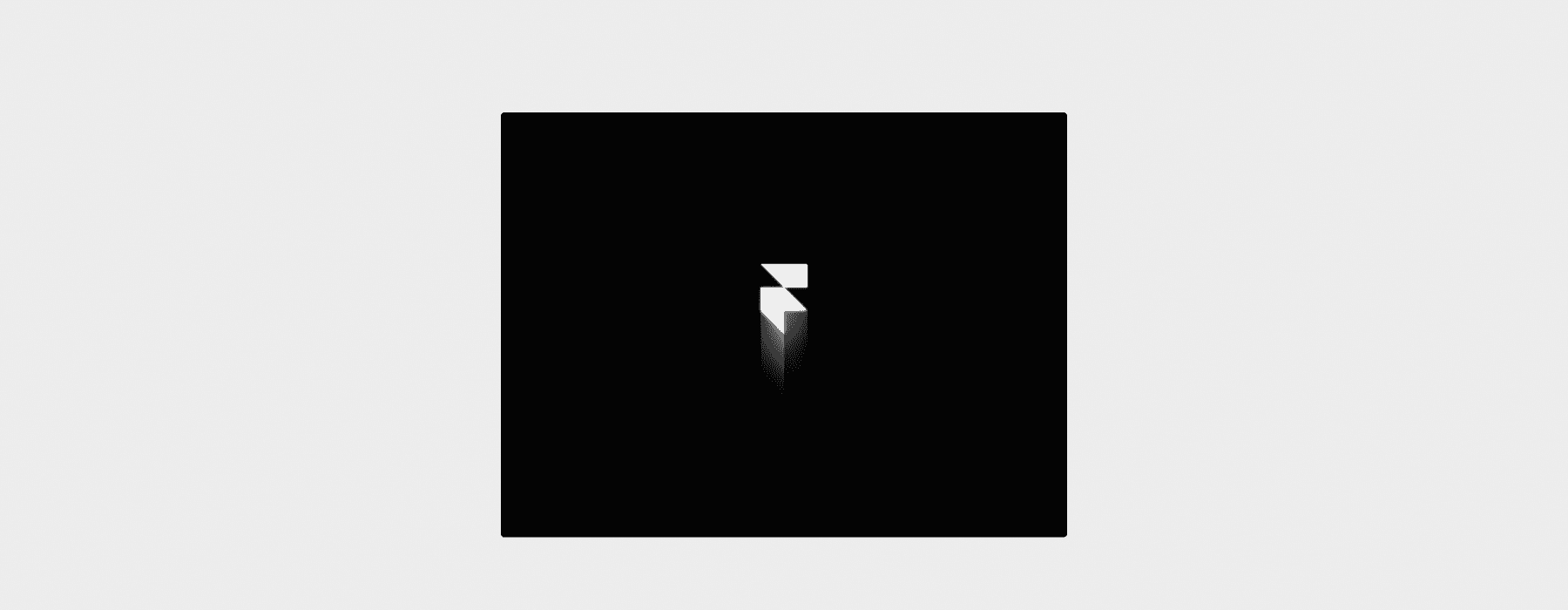
The most popular preloader in the Framer marketplace by a wide margin. Your logo animates in from a blur and scale effect, then transitions smoothly to reveal the main page. It works out of the box and requires virtually zero configuration.
🖥️ Preview on Framer Marketplace
Key features:
Smooth blur-to-sharp logo reveal with customizable scale and opacity transitions
Fully no-code: drop it in, connect your logo, publish
Works with any logo format and adjusts to your brand colors
Pros:
The easiest preloader to set up in the entire marketplace, genuinely drag-and-drop
3,500+ installs means it's battle-tested across thousands of live Framer projects
Lightweight enough to stay within performance budgets
Cons:
Timed only, so it hides already-rendered content on fast connections, which can inflate your Largest Contentful Paint score
Every-visit frequency by default, which can feel repetitive for returning visitors without additional code
Test the background color in dark mode; a white preloader flash on a dark site feels broken
Best for: The majority of Framer sites that want a professional branded intro without spending time on configuration.
2. Web Preloader by Amar KZR
Free · 757 installs
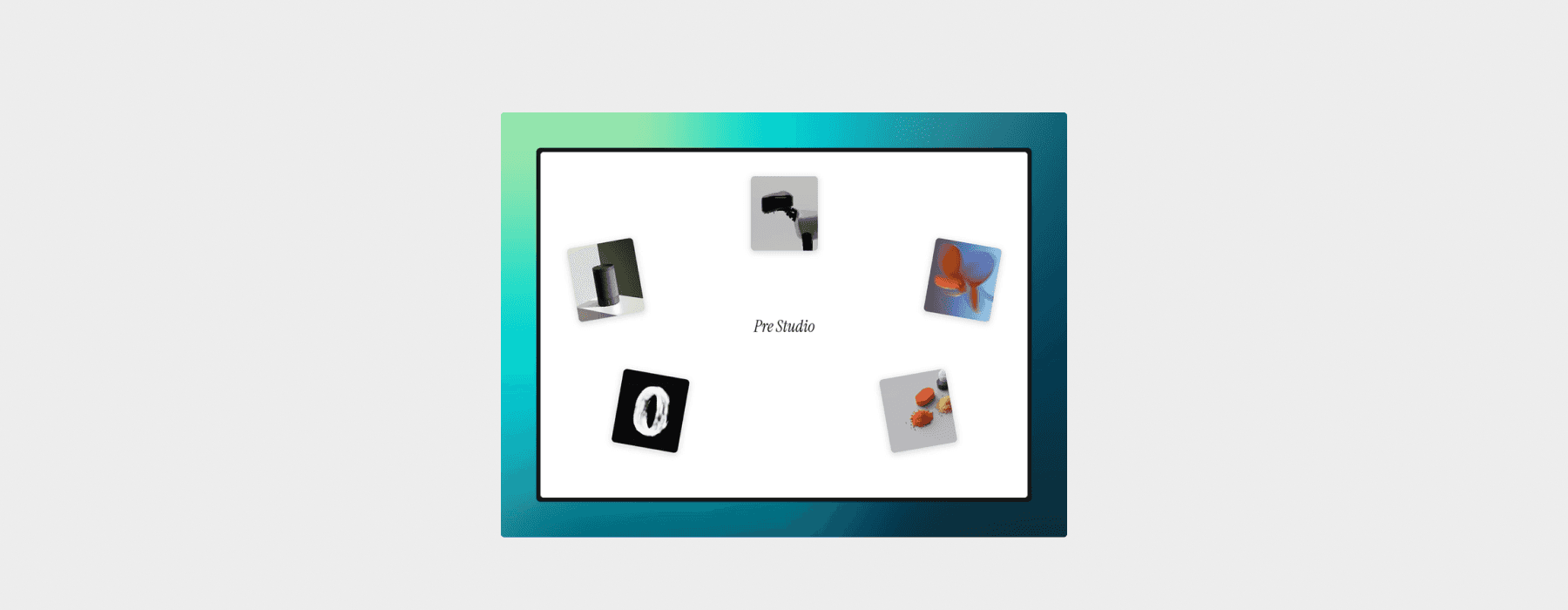
Displays your brand name surrounded by animated images before transitioning into the page. A strong visual statement that works especially well for portfolio and agency sites where the first five seconds set the tone.
🖥️ Preview on Framer Marketplace
Key features:
Brand name displayed with animated image elements orbiting or framing it
Timed animation sequence with smooth page transition on exit
Customizable text, images, and transition timing
Pros:
Creates a high-impact cinematic opening that feels intentional and designed
Free, which is surprising given the level of visual polish
Pairs well with media-heavy sites where you need to mask longer load times
Cons:
The image-heavy intro style may feel excessive for simple landing pages or SaaS products
Timed only, no real-load awareness
The images require some curation to look cohesive with your brand
Best for: Portfolio sites, creative agencies, and design studios that want their preloader to feel like part of the experience rather than just a loading gate.
3. Logo Fill Pre Loader by Omakase
$4 · 12 installs
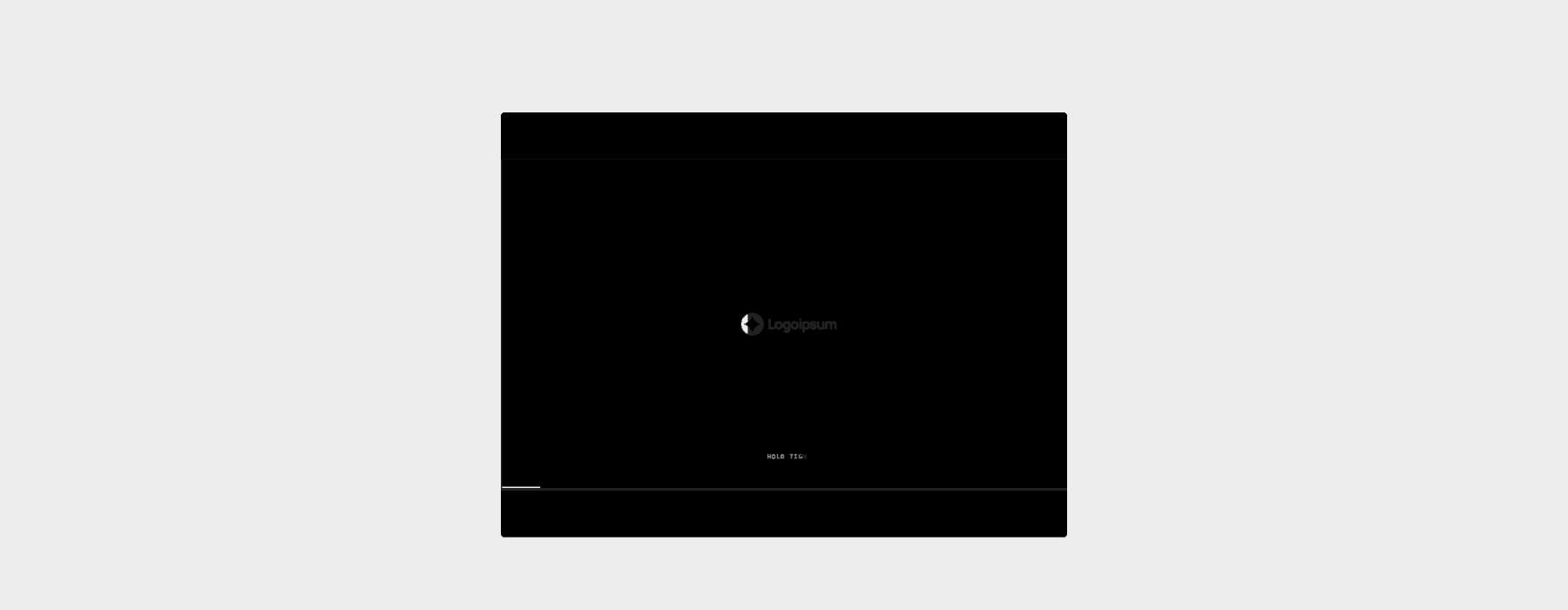
A preloader that gradually fills your logo with color as the page loads. The outline of your logo sits on screen and color steadily fills it in, creating a branded moment that feels both functional and intentional. It uses real-load behavior (the animation begins once the page content starts appearing) and only shows once per session using cookie-based detection, so returning visitors aren't forced to sit through it again.
🖥️ Preview on Framer Marketplace
Key features:
Gradual color fill animation that progressively reveals your logo from empty to fully colored
Real-load behavior: the preloader plays while content loads and exits once the page is ready
Once-per-session frequency using cookie-based detection; returning visitors skip straight to the page
Swap any SVG or image logo; fully customizable fill color, background color, and animation speed
Pros:
The fill effect creates a natural sense of progress without needing a counter, because the logo itself becomes the indicator
Real-load awareness combined with once-per-session behavior means it never wastes anyone's time
At $4 it's exceptionally affordable for a branded preloader with this level of polish
Cons:
Logos with very fine detail or thin strokes may not read as well during the fill animation
Newer release with fewer installs than free alternatives
The logo-fill concept works best with bold, simple marks; complex logos lose the effect
Best for: Brand-first sites where the logo is a core visual asset: agencies, studios, SaaS products, and any project where the loading screen should reinforce brand identity rather than just kill time.
4. Preload by Alireza Sinaei
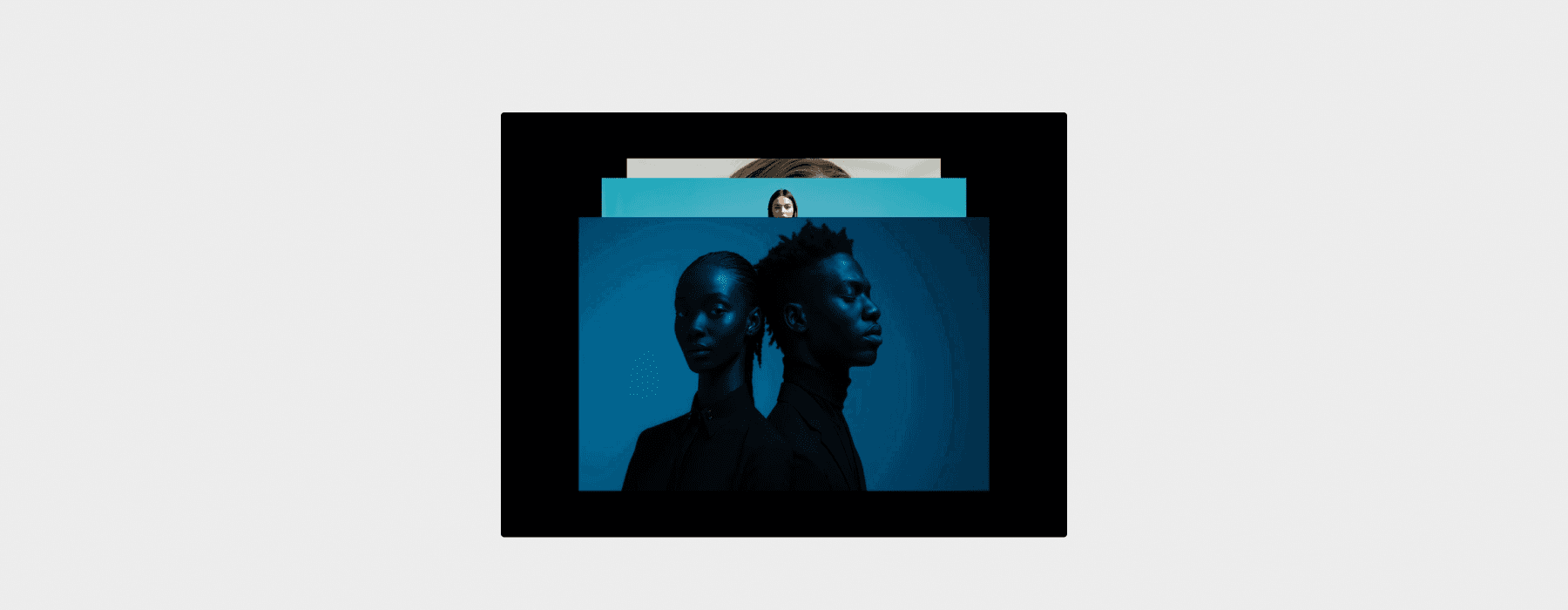
Free · 694 installs
A clean preloader that sequentially reveals the underlying page content with an upward wipe motion. The effect feels editorial and refined, the kind of subtle touch you'd see on Awwwards-winning sites. It doesn't shout for attention; it just makes the page arrive gracefully.
🖥️ Preview on Framer Marketplace
Key features:
Upward wipe animation that reveals the page beneath, creating a curtain-rise effect
Minimal visual footprint, letting your content be the star
No-code setup with adjustable timing
Pros:
One of the sleekest free preloaders available, understated and elegant
Doesn't impose any brand element onto the loading screen, so it works with any design style
Lightweight with minimal performance impact
Cons:
Timed only with no real-load detection
The subtlety means it won't mask very long load times as effectively as more elaborate preloaders
Limited customization compared to components with configurable content slots
Best for: Minimal, editorial, and Awwwards-style sites where the preloader should complement the design without adding visual clutter.
5. Preloader by Amar KZR
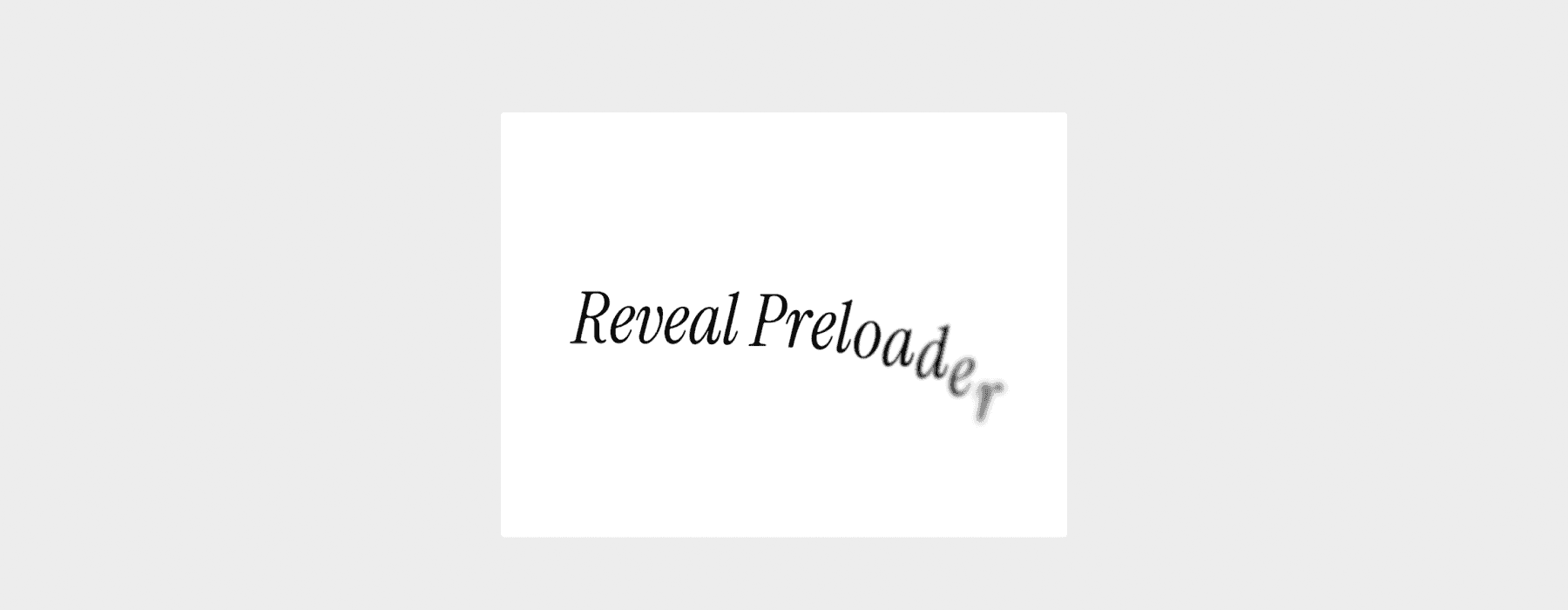
Free · 425 installs
Each letter of your brand name emerges individually from a gentle blur and fade animation, creating a typographic reveal. The companion piece to the Web Preloader from the same creator, offering a more restrained alternative that leads with type rather than imagery.
🖥️ Preview on Framer Marketplace
Key features:
Character-by-character blur/fade animation on your brand name
Highly customizable: control font, size, color, spacing, and animation timing per character
No-code with properties panel controls
Pros:
Beautiful for brands with strong typographic identities, where the name becomes the focal point
The per-character animation feels deliberate and premium
Free with solid customization depth
Cons:
Works best with shorter brand names; very long names may feel slow to animate
Timed, no real-load awareness
Less effective for brands that rely more on logo marks than wordmarks
Best for: Brands with distinctive typographic identities: studios, agencies, and personal portfolios where the name itself carries visual weight.
6. Counter Preloader by Uzair J.
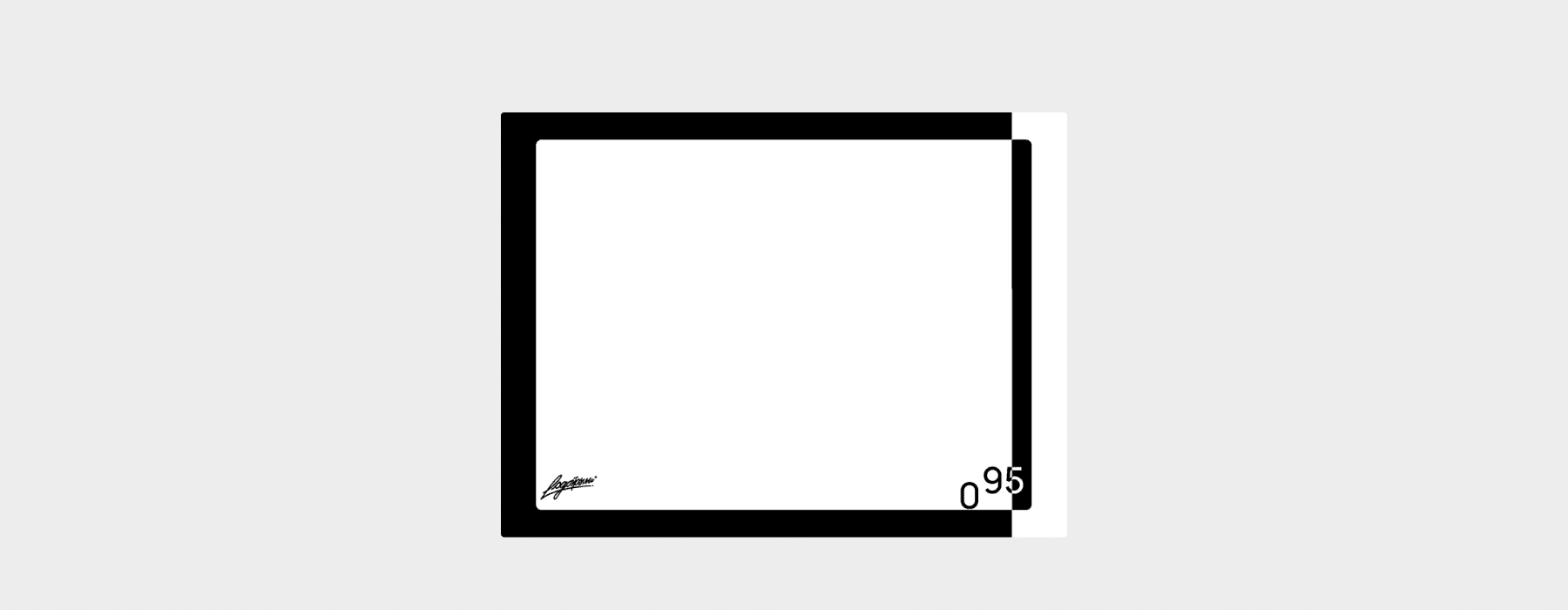
Free · 191 installs
A synchronized counter progresses from 0 to 100 while a smooth expanding overlay reveals your site. The counter gives visitors a sense of progress (even if the timing is fixed), and the overlay exit is one of the most visually striking transitions in the marketplace.
🖥️ Preview on Framer Marketplace
Key features:
Animated 0→100 counter with smooth number progression and customizable speed
Expanding overlay exit animation that dramatically reveals the page
Configurable counter font, size, color, and positioning
Pros:
One of the most visually impressive free preloaders, with the counter + overlay combo feeling premium
The counter creates a psychological sense of progress that reduces perceived wait time
Surprisingly customizable for a free component
Cons:
The counter is cosmetic and doesn't reflect actual loading progress, so it hides ready content on fast connections
The bold aesthetic may not suit minimal or understated brands
Every-visit frequency by default, and the counter sequence can feel repetitive on revisits
Best for: High-end portfolio sites, agency showcases, and any Framer project going for an award-worthy first impression.
7. Greeting Loader by Daniyal Habib
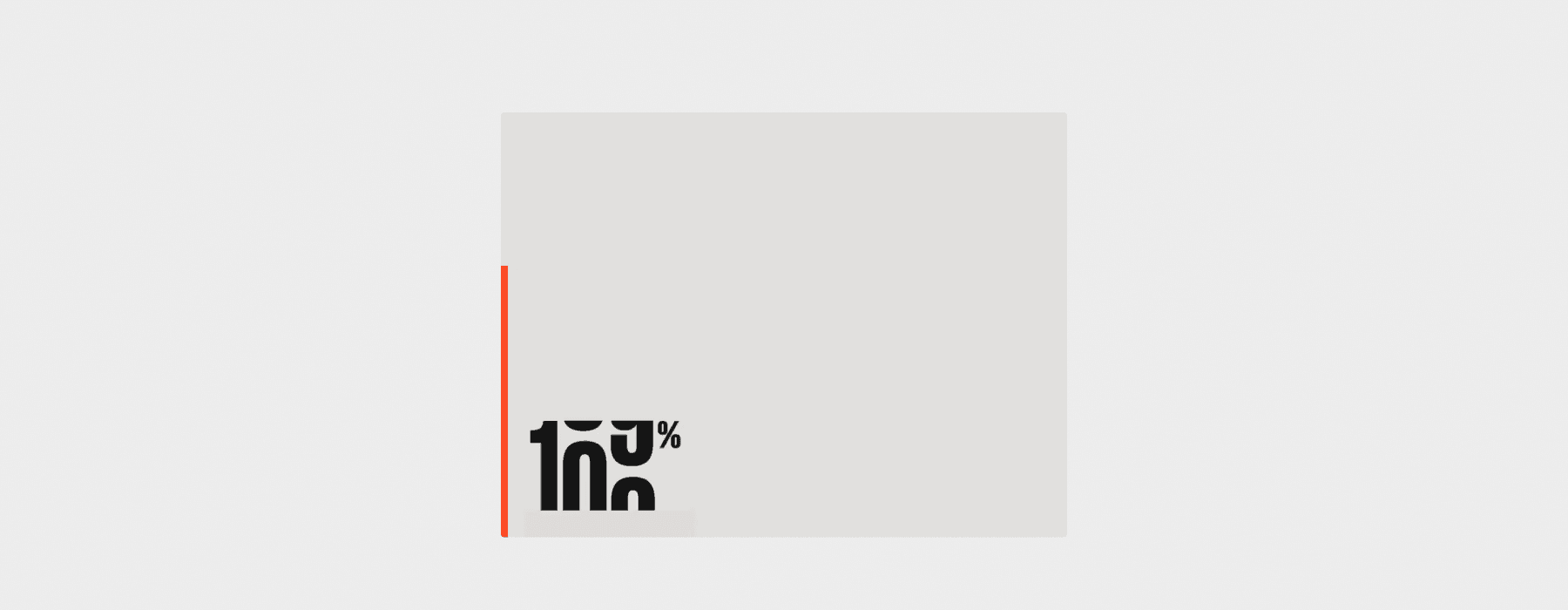
$4 · 132 installs
A multilingual greeting animation (Hello, Bonjour, こんにちは, Hola) cycles through languages while your site loads, powered by GSAP for smooth, precise animation timing. Inspired by the kind of preloaders you see on high-end international agency sites.
🖥️ Preview on Framer Marketplace
Key features:
Multilingual greeting sequence cycling through customizable languages
GSAP-powered animations for smooth, professional timing and easing
Configurable language list, font styling, background, and transition speed
Pros:
Instantly communicates an international, sophisticated brand identity
At $4, it's great value for the level of polish and distinctiveness
Memorable and conversation-starting; visitors notice and comment on it
Cons:
The multilingual concept doesn't suit every brand and works best for global or creative companies
GSAP dependency adds a small amount of script weight
Timed only, every-visit frequency
Best for: International brands, creative agencies, and design studios that want a preloader visitors actually remember.
8. Number Loader 3 Step by Daniyal Habib
$4 · 11 installs
A bold, editorial preloader with an oversized rolling counter that climbs through randomized steps before hitting 100%, paired with a synced progress bar. What sets this apart: it can optionally sync to your page's actual window.load event, so it waits until your fonts, images, and assets have genuinely finished loading before dismissing.
🖥️ Preview on Framer Marketplace
Key features:
Oversized rolling digit counter through randomized intermediate values (e.g., 34%, 67%, 100%) for a non-mechanical feel
Optional real-load sync tied to
window.load, with a minimum duration floor so fast connections still see the animationFive exit transitions (slide up/down/left/right, fade out) using Framer's native transition controls
onComplete EventHandler for chaining hero reveals, scroll animations, or stagger sequences
Built-in
prefers-reduced-motionsupport and scroll lock toggle
Pros:
The only counter preloader in this roundup with real-load detection, making it genuinely honest about page readiness
Randomized counter steps mean returning visitors see slightly different behavior each time
Built-in
prefers-reduced-motionand onComplete EventHandler show a level of accessibility attention that's rare in marketplace components
Cons:
The oversized typographic style is very editorial and may feel too bold for understated brands
Real-load sync requires toggling on manually; out of the box it still runs timed
Feature density means more setup decisions than simpler options
Best for: Portfolio sites, agency homepages, and product launches where you want a preloader that actually responds to page readiness. Especially strong for media-heavy pages where load times vary by connection speed.
9. Apple "Hello" Loader by Tarun Baskar
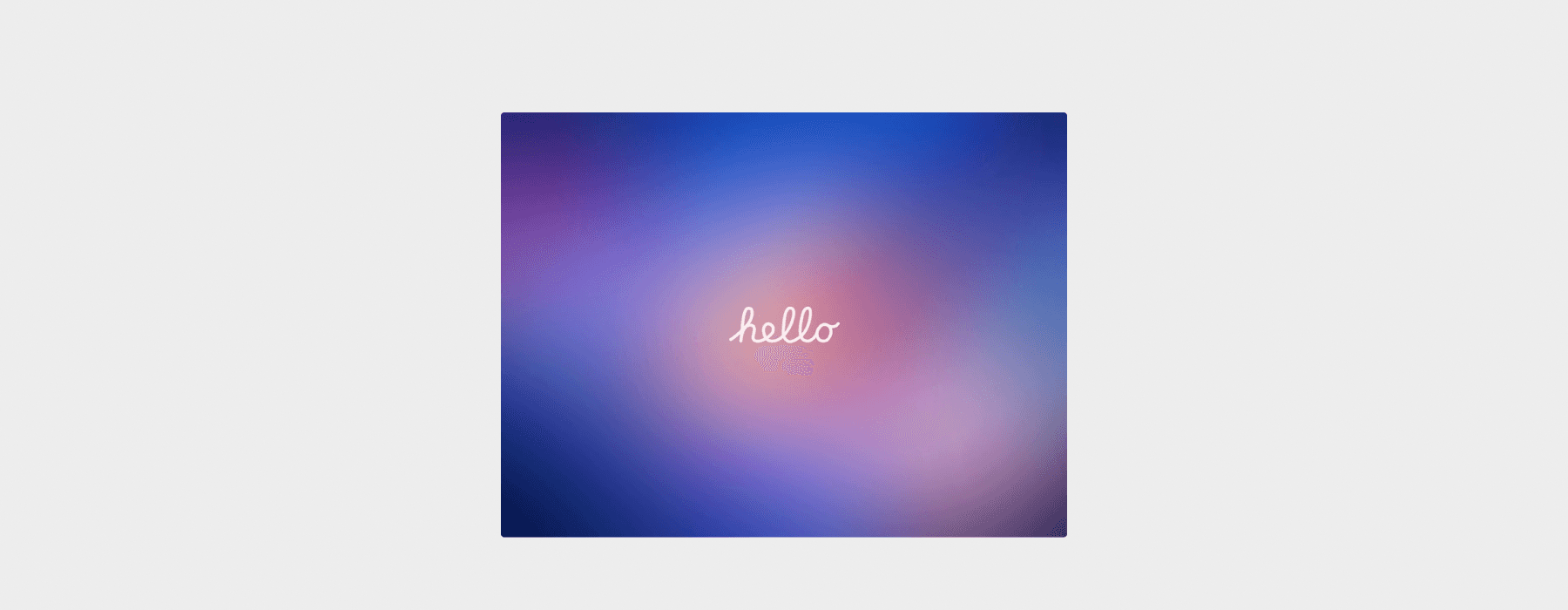
$5 · 0 installs
A preloader modeled after Apple's iconic "Hello" screen animation. A hand-drawn "Hello" text smoothly fades and animates in while the page loads, then gracefully transitions to reveal your site content.
🖥️ Preview on Framer Marketplace
Key features:
Hand-drawn "Hello" text animation inspired by Apple's signature intro style
Fully responsive and tested across all screen sizes
Adjustable animation duration, text color, and background color
Pros:
The Apple-inspired aesthetic is instantly recognizable and carries built-in cultural weight
Simple customization through color and speed adjustments, so it's quick to set up
Clean and elegant; suits creative studios, portfolios, and product sites
Cons:
Very new with zero installs, so you're among the first to test it in production
The "Hello" concept is tied to one specific aesthetic; it won't fit every brand
Timed only, every-visit frequency
Best for: Creative studios, portfolio sites, and Apple-inspired brand aesthetics where a refined, minimalist intro sets the right tone.
10. 0-100 Pre Loader by Omakase
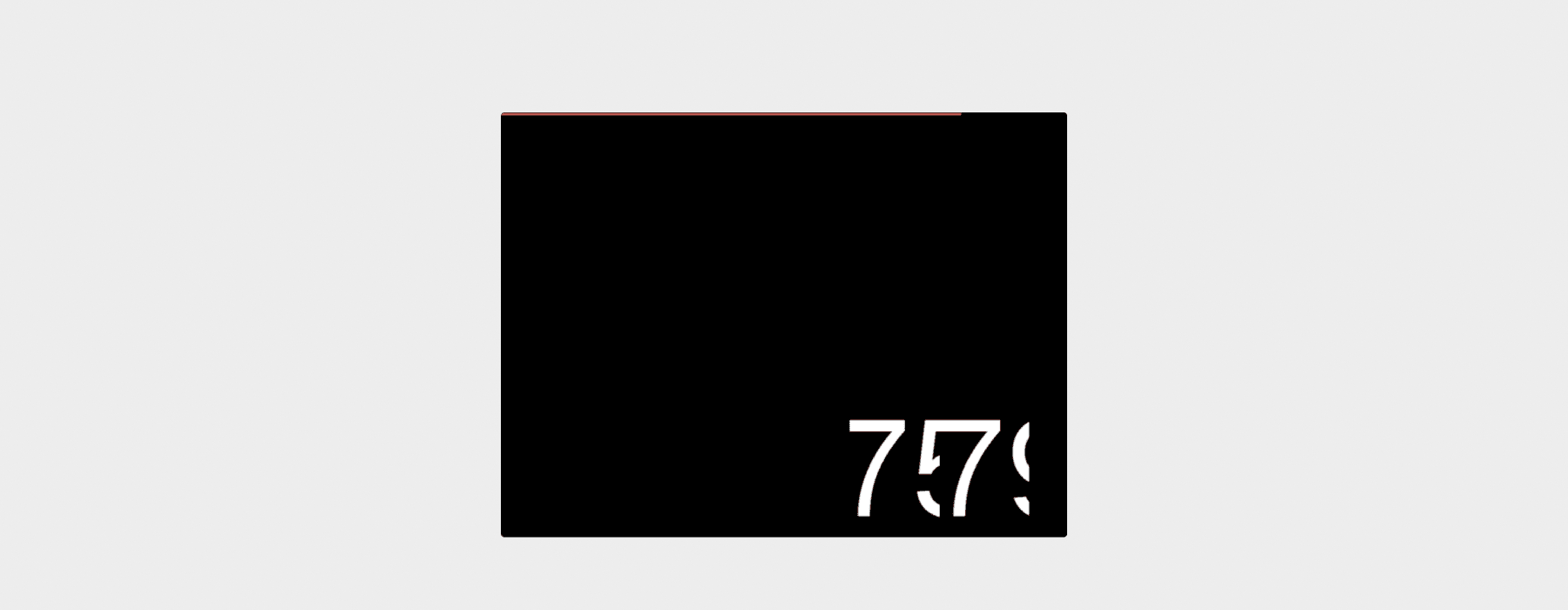
$4 · 9 installs
A sleek counter preloader featuring a smooth sliding counter alongside a synced progress bar. Unlike most counter preloaders that just show numbers ticking up, this one uses a sliding vertical transition between digits that feels noticeably more polished. It uses real-load behavior (the animation plays while page content is loading and exits once ready) and only shows once per session using cookie-based detection.
🖥️ Preview on Framer Marketplace
Key features:
Animated sliding counter from 00→99 with smooth vertical number slides
Real-load behavior: begins playing once page content starts appearing, exits when ready
Once-per-session frequency using cookie-based detection; repeat visits skip the preloader entirely
Built with Framer Motion (no external dependencies); adjustable speed from 0.5x to 2x
Toggle counter and progress bar independently; configurable positioning (top, center, or bottom)
Pros:
The sliding digit animation is noticeably more refined than standard counter preloaders, with numbers physically sliding up rather than just incrementing
Real-load awareness plus once-per-session behavior means returning visitors go straight to your content
At $4, it undercuts most paid counter-style preloaders while offering more customization
Cons:
The GSAP-inspired style is very specific and works best on design-forward sites
The counter is decorative rather than tied to exact loading percentage
Newer release with fewer installs than free counter alternatives
Best for: Portfolio sites, agency showcases, product launches, and premium marketing pages where a polished counter animation elevates the first impression beyond what free alternatives offer.
11. Orbit Preloader by MotionIQ Studio

$7 · 0 installs
A cinematic fullscreen loader with eight concentric text rings that "breathe" through GSAP-powered stretching. The rings expand and contract in a synchronized wave-like pattern around a central counter, then dissolve outward in a staggered exit sequence. The most visually ambitious preloader in this roundup.
🖥️ Preview on Framer Marketplace
Key features:
Eight independent concentric text rings that stretch and contract in rhythmic, organic motion
GSAP-powered staggered motion waves with randomized group rotation to prevent visual repetition
Central counter with customizable prefix/suffix; premium stagger exit where rings dissolve from center outward
Full responsiveness across breakpoints; customizable colors, font, rotation intensity, and durations
Pros:
The most visually striking preloader on this list; nothing else in the marketplace does concentric breathing text
Populate the eight ring labels with brand keywords or menu items for a content-aware loading screen
Randomized rotation and staggered waves mean it never looks exactly the same twice
Cons:
$7 with zero installs means you're an early adopter
Eight breathing rings is a lot of visual activity; it may overwhelm minimal brand aesthetics
GSAP + SVG path manipulation is heavier than simpler preloaders
Best for: High-end agency sites, editorial portfolios, and creative studios where the preloader is meant to be a showpiece, not a utility.
12. Pixel Preloader by Frame Craft
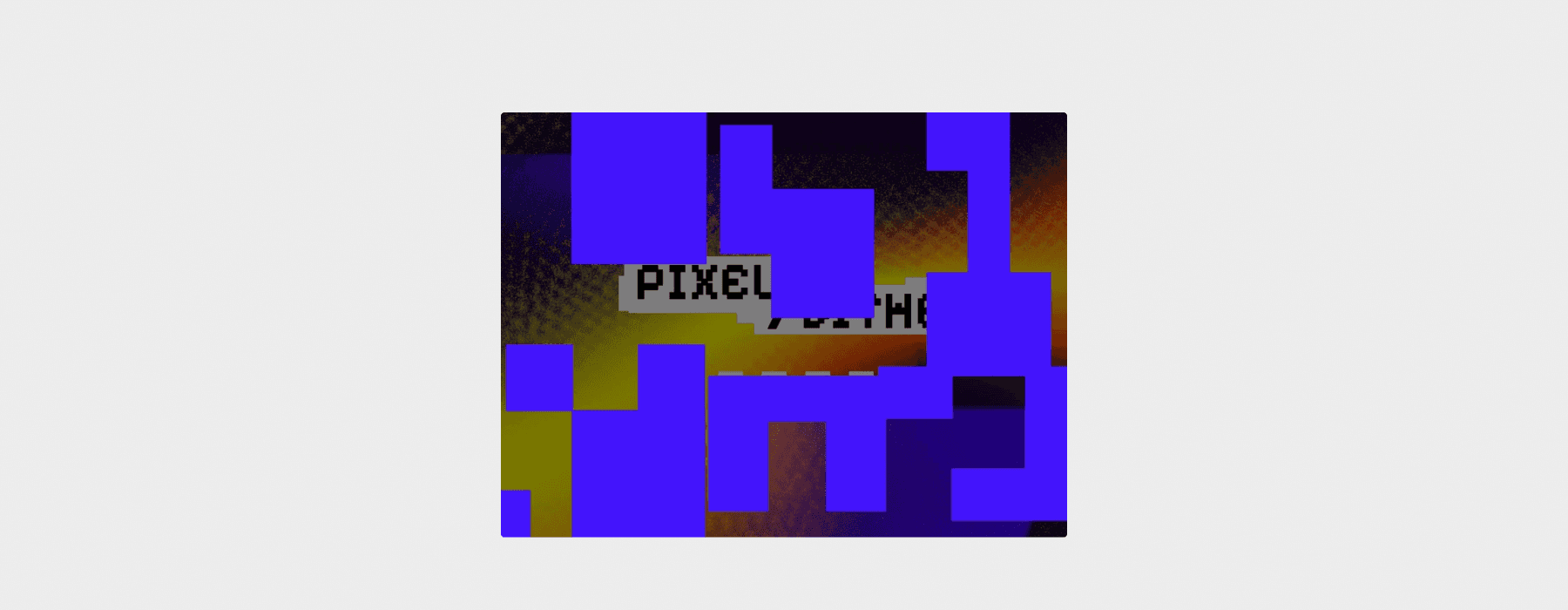
$10 · 12 installs
A retro pixel-art disintegration preloader where animated pixel blocks scatter and dissolve to reveal your site. Bold, original, and completely different from everything else on this list. Built with Framer Workshop.
🖥️ Preview on Framer Marketplace
Key features:
Pixel-block disintegration animation with a retro aesthetic
Built with Framer Workshop for designer-friendly customization
Configurable pixel density, colors, and animation speed
Pros:
The most visually distinctive paid preloader, making a statement on arrival
Perfect for niche aesthetics where a standard preloader would feel off-brand
The pixel effect is inherently eye-catching and shareable
Cons:
$10 with only 12 installs means limited real-world validation so far
The retro pixel aesthetic is polarizing and won't work for most corporate or minimal brands
Timed only, every-visit frequency
Best for: Gaming sites, streetwear brands, creative portfolios, and any project where bold visual experimentation is the point.
13. Bar Load Preloader by Plaiter

$10 · 1 install
A clean, bar-based preloader that displays loading states using smooth animated bar indicators. The most functional and least decorative option on this list, built for interfaces where the preloader should communicate progress without drawing attention to itself.
🖥️ Preview on Framer Marketplace
Key features:
Animated bar-based preloader with smooth, continuous motion
Customizable timing, speed, bar size, and styling
Lightweight and responsive by default
Pros:
The most utility-focused preloader in this roundup; it does one thing cleanly
A natural fit for app-style interfaces where a cinematic intro would feel out of place
Easy to match to any design system since the bar style is neutral and minimal
Cons:
$10 is steep for a bar-only preloader when other options at $4 offer more visual punch
Only 1 install with limited community testing
Very minimal; it won't create a branded moment or memorable first impression
Best for: App-style interfaces, SaaS dashboards, and product pages where the preloader should feel like a functional UI element rather than a design statement.
14. Preloader-Pro by Rehbar Design Labs
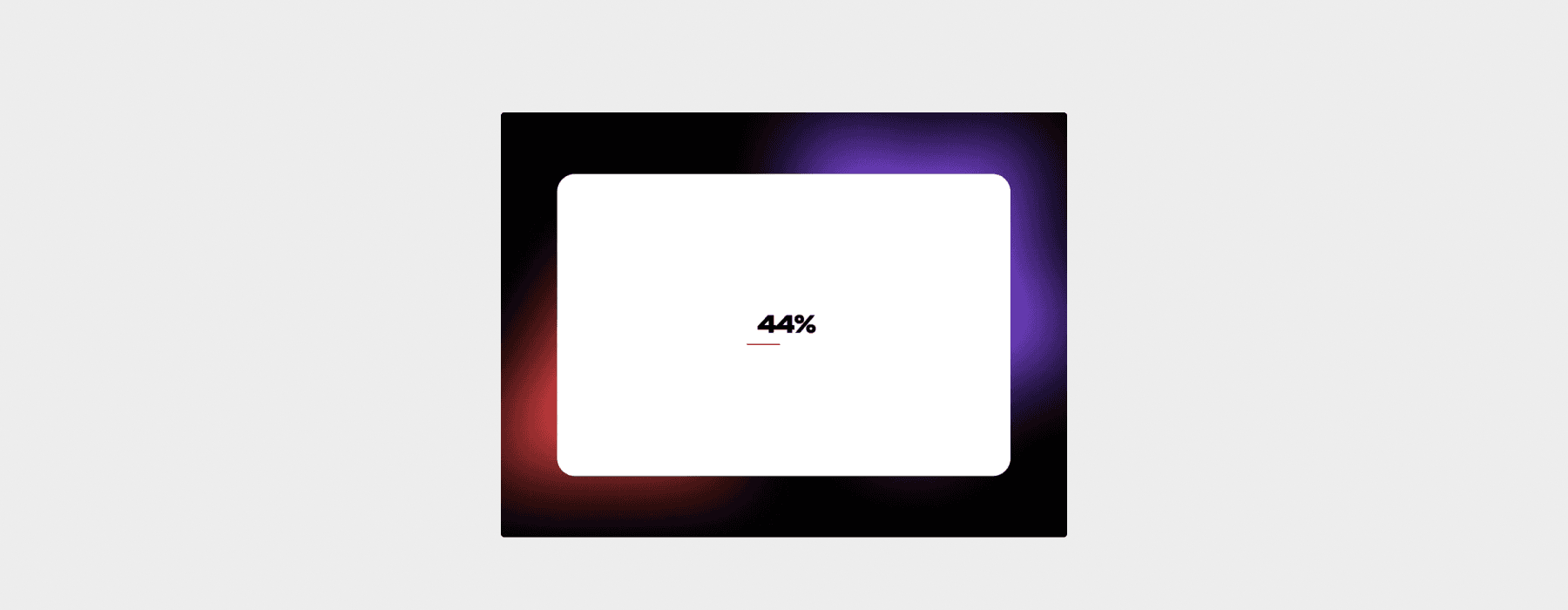
$10 · 7 installs
The Swiss Army knife of Framer preloaders. Display a logo, a video, or a progress bar, all from one component with a single properties panel. If you only want to buy one paid preloader to cover every client project, this is the one.
🖥️ Preview on Framer Marketplace
Key features:
Three display modes: logo reveal, video playback, or progress bar
Full customization of colors, timing, sizing, and transition behavior across all modes
No-code with comprehensive properties panel controls
Pros:
The most feature-complete preloader in the marketplace, offering one component with three approaches
Video mode is genuinely useful for brands with strong motion assets
Covers the widest range of use cases of any single component
Cons:
$10 with low installs means you're an early adopter with limited community examples
The breadth of options can require more setup time than simpler single-purpose components
Timed, every-visit frequency
Best for: Freelancers and agencies who want one all-purpose preloader component they can configure differently for each client project.
15. Preloader Hero by Iliyass OULAD

$10 · 4 installs
A cinematic preloader that doesn't just disappear. Instead, it transitions directly into your hero section with dramatic motion. The preloader and the hero become one continuous animation, creating an experience closer to a film opening than a loading screen.
🖥️ Preview on Framer Marketplace
Key features:
Preloader-to-hero transition where the preloader morphs into the top of your page
Cinematic motion design with dramatic reveals
Configurable transition timing and hero connection behavior
Pros:
Integrating the preloader into the hero eliminates the "wait then reveal" pattern entirely
Creates an extremely polished first impression on media-heavy sites
Turns the preloader from a necessary evil into a design feature
Cons:
Requires careful hero section design, since the preloader and hero need to feel connected
$10 with only 4 installs means very limited community testing
The cinematic approach may not suit fast, utility-focused pages
Best for: High-production portfolio sites, agency landing pages, and brand sites where the loading-to-hero moment is a design opportunity rather than a technical obligation.
16. Water Fill Preloader by Omakase
$4 · New release
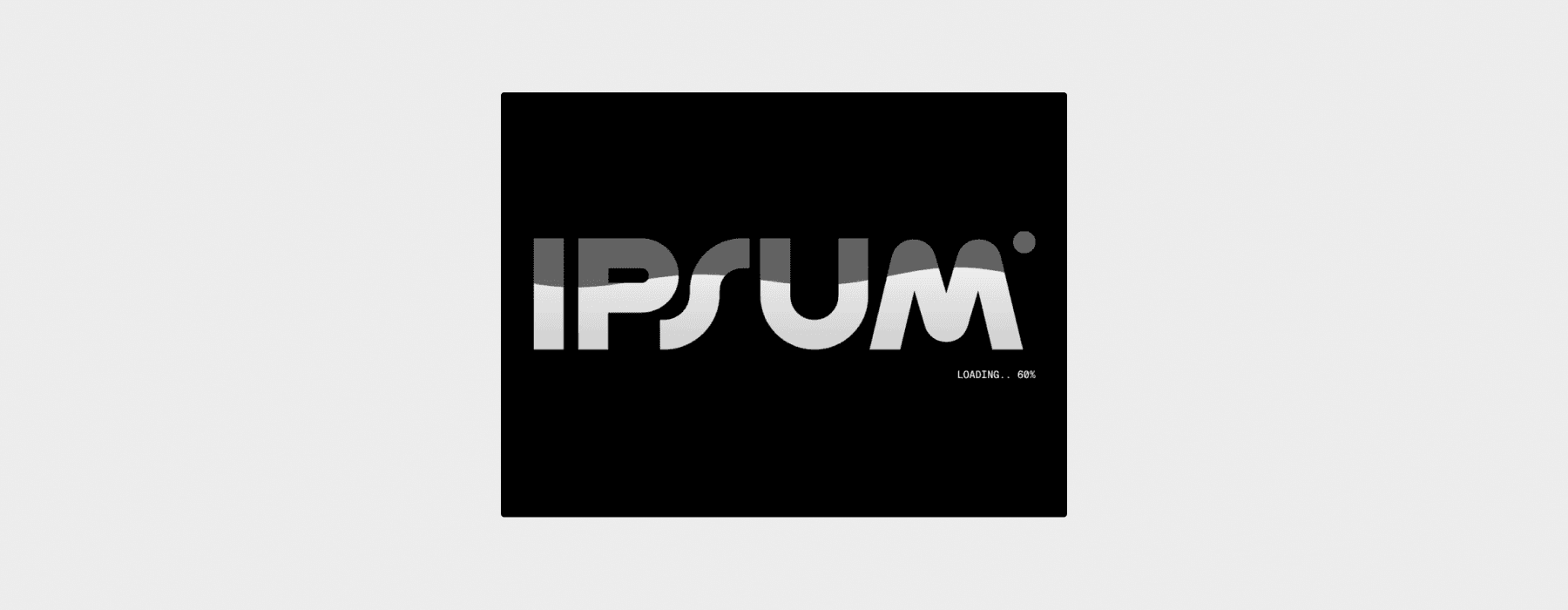
Your logo fills up with color like water rising, starting empty at the bottom and gradually filling to the top. It's a concept you've likely seen on high-end custom-coded sites but hasn't been available as a drop-in Framer component until now. It uses real-load behavior (the animation plays while content loads and exits once the page is ready) and only shows once per session using cookie-based detection, so repeat visitors skip straight to your page.
🖥️ Preview on Framer Marketplace
Key features:
Logo fill animation that rises from bottom to top like water, progressively coloring your logo
Real-load behavior: plays during page content loading and dismisses once the page is ready
Once-per-session frequency using cookie-based detection; returning visitors aren't shown the preloader again
Upload any SVG or image logo; fully customizable fill color, background color, and animation speed
Pros:
The water-rise fill is genuinely one-of-a-kind in the Framer marketplace, with nothing else creating this exact effect
Real-load awareness plus once-per-session behavior means it only appears when it's actually useful
Works beautifully with bold, geometric logo marks, where the fill effect is most satisfying with clean shapes
Cons:
Brand new release with limited installs, so you'll be among the first to use it in production
Logos with very intricate detail or thin lines may not showcase the water fill effect as clearly
The logo-fill concept is inherently tied to visual brands; text-only or abstract brands may not benefit
Best for: Premium brand sites, SaaS launches, agency portfolios, and any project where you want the preloader to feel like a designed moment rather than a generic loading gate.
17. Page Pre-Loader by Framer Master
$4 · 2 installs
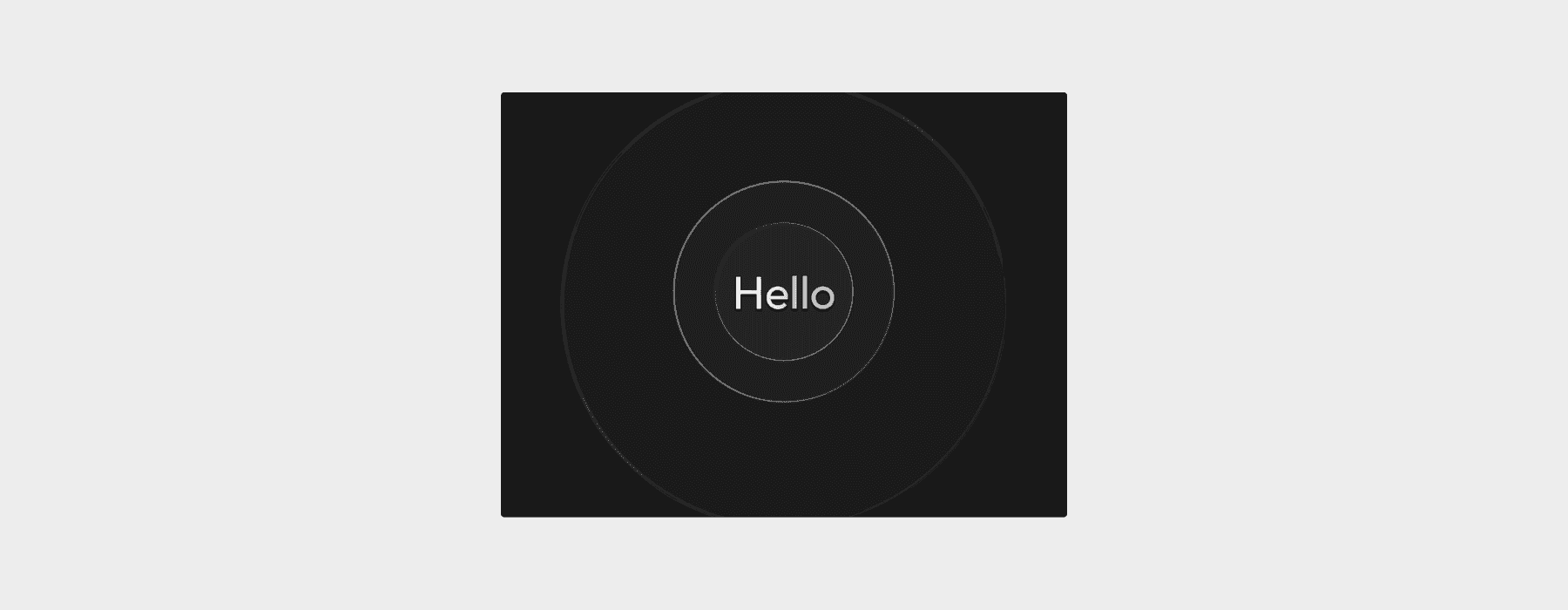
The most options-dense preloader in the marketplace. Fourteen entrance animation styles and fourteen matching exit animations, all with independent speed controls. It also includes flexible visibility modes: first visit only or every visit.
🖥️ Preview on Framer Marketplace
Key features:
14 entrance and 14 exit animation styles you can mix and match
Two visibility modes: first visit only (using sessionStorage + referrer check) or every visit
GPU-accelerated transitions; connect any frame, component, or element as the preloader content
Pros:
The built-in first-visit-only mode solves one of the biggest complaints about Framer preloaders
14×14 animation combinations means you'll find something that fits any brand
At $4, the animation variety and frequency controls offer outstanding value
Cons:
Very new with only 2 installs and limited community validation
The sheer number of options may be overwhelming if you just want a quick setup
Timed only, no real-load detection
Best for: Developers and designers who want fine-tuned control over animation and frequency behavior without writing code.
How to Choose the Best Preloader for Your Framer Site
Start from your use case
If you're building a portfolio or agency site, lean toward components with visual presence. Logo Preloader, Counter Preloader, Logo Fill Pre Loader, Orbit Preloader, or Preloader Hero will all make that first impression count. If you're building SaaS or product marketing pages, keep it functional. 0-100 Pre Loader, Bar Load Preloader, Number Loader 3 Step, or Preload (the wipe reveal) will feel more appropriate than a cinematic intro.
Decide how often it should show
This is one of the most overlooked decisions. "Every visit" means returning visitors see the preloader again every time they come back, which gets old fast. "Once per session" means it plays once when they arrive and won't appear again until they close and reopen their browser. "Interval-based" means you set a cooldown period (hours or days) before it shows again.
The three Omakase components (Logo Fill Pre Loader, 0-100 Pre Loader, and Water Fill Preloader) handle this natively with built-in cookie-based session detection, so they only fire once per visit. Page Pre-Loader by Framer Master also offers built-in first-visit-only detection. For everything else, you'll either need the Better Preloader component (a popular utility that wraps any content with interval-based frequency controls) or a simple sessionStorage-based code override. The Framer community has several free tutorials and remixes for one-time preloader logic, and the Preloader One Time component on the marketplace is a dedicated solution for this.
Real load vs timed
Most marketplace preloaders on this list are timed, meaning they play for a fixed duration regardless of whether the page is actually still loading. This is the single biggest SEO risk with preloaders: a timed component will actively hide content that the browser has already rendered, creating an artificial delay that inflates your Largest Contentful Paint and tells Google your page is slower than it actually is. On fast connections or cached revisits, the visitor is literally staring at a loading animation while the fully rendered page waits behind it.
Real-load preloaders solve this by dismissing as soon as window.load fires. They only stay visible while content is genuinely loading, and they get out of the way the moment the page is ready. For enterprise sites, SEO-critical pages, or anything where Core Web Vitals directly affect your rankings, real-load behavior isn't a nice-to-have; it's the responsible choice.
The three Omakase components (Logo Fill Pre Loader, 0-100 Pre Loader, and Water Fill Preloader) use real-load behavior and begin playing once the page content starts appearing. Number Loader 3 Step by Daniyal Habib also offers optional sync to the browser's window.load event. For a fully code-based approach, a developer on DEV Community published a well-regarded code component that pre-loads specified images and only dismisses the preloader once they're ready.
For casual portfolio sites or personal projects, a timed preloader set to 1–1.5 seconds is still fine. But if organic search traffic matters to your business, default to real-load components and avoid adding artificial wait time to an already-fast page.
Code vs no-code
Every component in this roundup is no-code. You install it from the Framer marketplace, configure it through the properties panel, and publish. If you're a designer who doesn't write code, you're fully covered.
If you're comfortable with code, you get additional options. Code components let you build custom real-load detection, one-time logic, and completely bespoke animations. Code overrides let you add frequency control (sessionStorage-based show-once behavior) to any existing marketplace preloader. Several Framer community tutorials walk through both approaches step by step.
Performance and accessibility checklist
Keep total preloader duration at or below 1.5 seconds. This follows Framer's official template guidelines and prevents the preloader from negatively affecting Core Web Vitals. Run Lighthouse or PageSpeed Insights after adding a preloader to make sure it hasn't introduced layout shift or increased your Largest Contentful Paint time. Where possible, respect the user's prefers-reduced-motion system setting. If a visitor has requested reduced motion, skip the animation or show a simplified version. Number Loader 3 Step handles this natively; for other components, it's worth checking and requesting from creators.
Dark mode compatibility
Dark mode is one of the biggest Framer trends heading into 2026, and a preloader that flashes a blinding white screen while the rest of your site is in dark mode is a jarring UX failure. Before you commit to a component, check whether it exposes its background color and accent colors through Framer's properties panel so you can match your site's color scheme, or better yet, whether it supports Framer's Color Styles so the preloader automatically adapts when a visitor toggles between light and dark modes.
Most components on this list expose background and text color controls, which means you can manually set dark values. Logo Preloader, Counter Preloader, Greeting Loader, Number Loader 3 Step, Orbit Preloader, and the three Omakase components (Logo Fill Pre Loader, 0-100 Pre Loader, Water Fill Preloader) all let you set custom background and foreground colors from the properties panel, so matching a dark theme is straightforward. Pixel Preloader, Bar Load Preloader, and Preloader-Pro also offer color customization.
The gap to watch for is automatic theme switching. If your Framer site uses Color Styles to toggle between light and dark modes, the preloader needs to reference those same styles rather than hardcoded hex values. Otherwise you'll need to manually set dark colors and accept that the preloader won't auto-adapt if the visitor's system preference changes. When evaluating any preloader, test it in both modes before going live. A two-second white flash on a dark site feels broken, not branded.
FAQ
Do preloaders affect SEO or Core Web Vitals?
Yes, and this is the most important technical decision in this entire guide. A timed preloader that hides already-rendered content is actively lying to the browser about when the page is ready. The result: your Largest Contentful Paint (LCP) gets inflated by the full duration of the preloader, because the content the user actually sees is delayed by the animation, even though the DOM was ready seconds ago. For pages where organic search traffic matters, this is a real problem.
Real-load preloaders (like the Omakase components and Number Loader 3 Step with sync enabled) avoid this entirely. They dismiss as soon as window.load fires, so the preloader never outlasts the actual loading process. Their once-per-session cookie behavior also means search engine crawlers on repeat visits skip the preloader entirely, keeping your Lighthouse scores clean.
If you're using a timed preloader, keep it under 1.5 seconds, make sure it doesn't prevent the browser from starting to render page content in the background, and avoid heavy JavaScript or canvas elements that compete with the main page for resources. But if SEO is a priority, real-load components are the safer choice by a wide margin.
Can I make a preloader show only once?
Yes. The three Omakase components (Logo Fill Pre Loader, 0-100 Pre Loader, and Water Fill Preloader) do this out of the box with cookie-based session detection. Page Pre-Loader by Framer Master also has built-in first-visit-only detection using sessionStorage. The Preloader One Time marketplace component is another dedicated solution. If you'd rather add one-time behavior to an existing preloader, the Better Preloader component offers interval-based frequency control, or you can write a short code override that checks sessionStorage and hides the preloader wrapper on return visits.
What's the difference between a preloader and a page transition?
A preloader runs before the initial page render. It's what visitors see while your site's assets load for the first time. A page transition animates between pages after the site is already loaded and the visitor clicks a navigation link. Some components can technically serve both purposes (a wipe animation works as either), but they solve different problems. Preloaders address the cold-start experience; page transitions maintain visual flow during navigation.
Are code components worth it if I'm a designer?
For preloaders specifically, not usually. The no-code marketplace options cover the vast majority of use cases (logo reveals, text animations, counters, water fills, cinematic transitions) and they're configurable through a visual properties panel. Code components become worth learning if you need very specific one-time display logic that goes beyond what session-based components offer. That said, real-load behavior and once-per-session frequency are now available as no-code options through several components on this list, which closes the biggest gaps that used to require code. If you're just getting started, pick a no-code component first and only look into code if you hit a limitation.
Should I add a preloader to a fast landing page?
In most cases, no, and for SEO-critical pages, definitely not if it's timed. A timed preloader on a fast page is the worst combination: the content is already rendered, but the preloader hides it anyway, artificially inflating your LCP for zero benefit. Framer's own guidelines discourage unnecessary preloaders, and visitors will notice if a loading animation plays on a page that clearly doesn't need one. If you still want the branded intro moment on a fast page, use a real-load preloader with once-per-session behavior. It will dismiss almost immediately on fast connections and won't bother returning visitors. Save full preloader experiences for pages with heavy media, complex animations, or situations where the first impression genuinely benefits from a branded transition.
Our Final Recommendations
Best overall (most Framer sites): Logo Preloader by Brett Jackson is the safe, proven free choice with 3,500+ installs behind it. For a paid upgrade that turns the loading moment into a brand statement, Logo Fill Pre Loader or Water Fill Preloader by Omakase ($4 each) add a level of polish and personality that free options can't match, with the added benefit of real-load behavior and once-per-session frequency so they never delay a fast page or annoy returning visitors.
Best for heavy or visual portfolios: Number Loader 3 Step by Daniyal Habib ($4) stands alone as the counter preloader with real-load sync, making it the smart pick for media-heavy sites where load times vary. For pure visual impact, Counter Preloader by Uzair J. (free) delivers reliable drama, and Orbit Preloader by MotionIQ Studio ($7) is the cinematic showpiece if your brand can support it.
Best free starter combo: Pair any of the free visual preloaders above with the Better Preloader utility component to add interval-based frequency control. This gives you a polished loading animation that doesn't annoy returning visitors, the best of both worlds without spending anything.
Whatever you choose, remember the core principles: only use a preloader where it genuinely improves the experience, keep it under 1.5 seconds, make sure it connects to your brand's visual identity, and respect your visitors' time and motion preferences. A great preloader is one that visitors appreciate the first time and never think about again.