Every guide about DESIGN.md files was written by a developer, for a developer, with a code repo open.
They all end at the same instruction: drop the file in your project root. Which is useful advice right up until your website doesn't have one, because it lives in Framer and there's no folder to drop anything into. Assuming you knew what a project root was to begin with.
If you've been handed one of these files and you're not sure what you're holding, this is for you. What it is, what it's for, and how to put it to work.
Key Takeaways
What a DESIGN.md file is, in plain English, and what the .md actually means
The difference between DESIGN.md, CLAUDE.md and AGENTS.md, and which agent reads which
How to use one when your site lives in Framer rather than a code repo
The three prompt rules that decide whether you get a page that belongs on your site
What a DESIGN.md won't do for you, so you know what's still your job
What a DESIGN.md file is
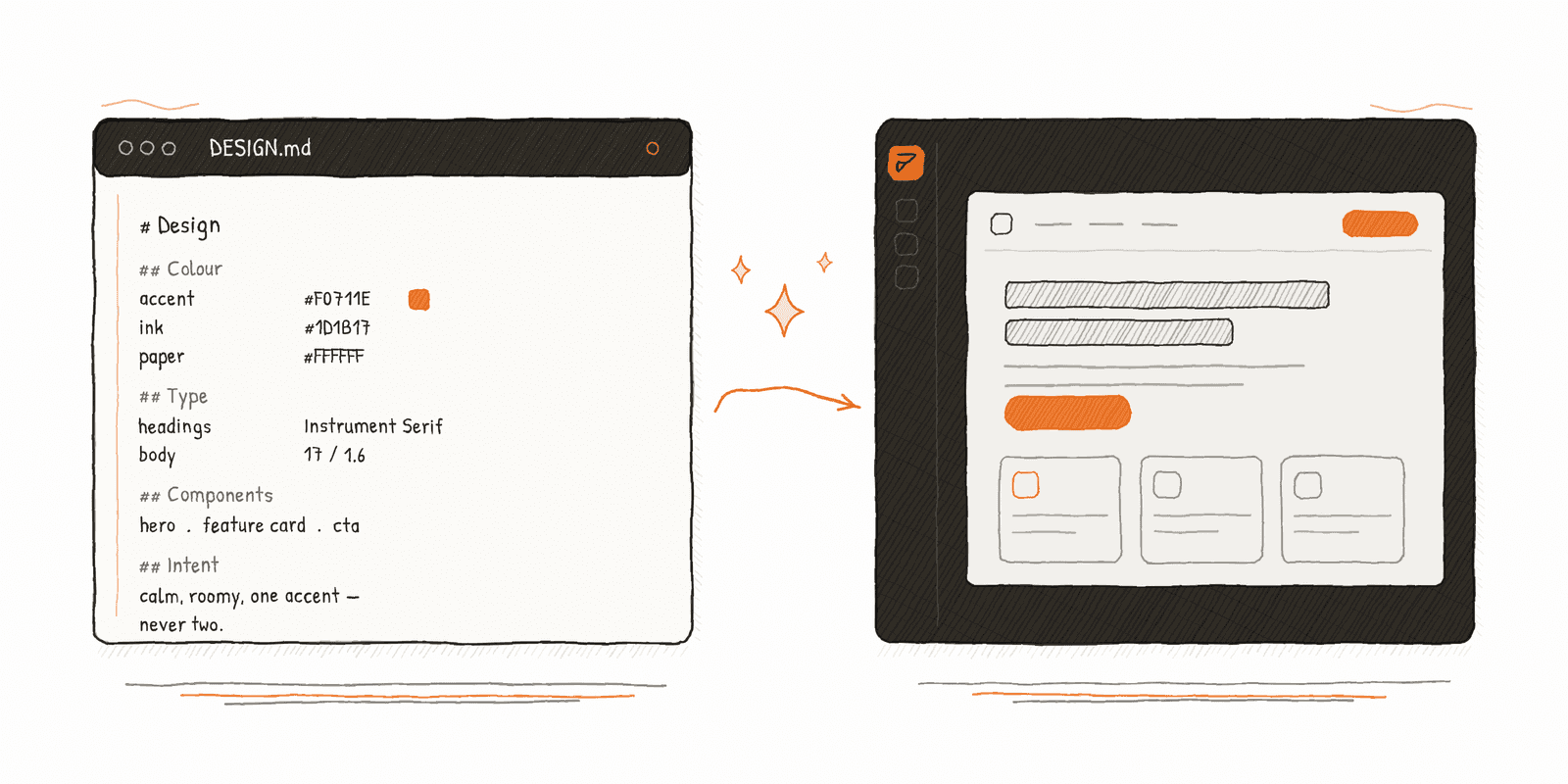
A DESIGN.md file is a plain-text document that tells an AI agent how your website is supposed to look, before it builds anything.
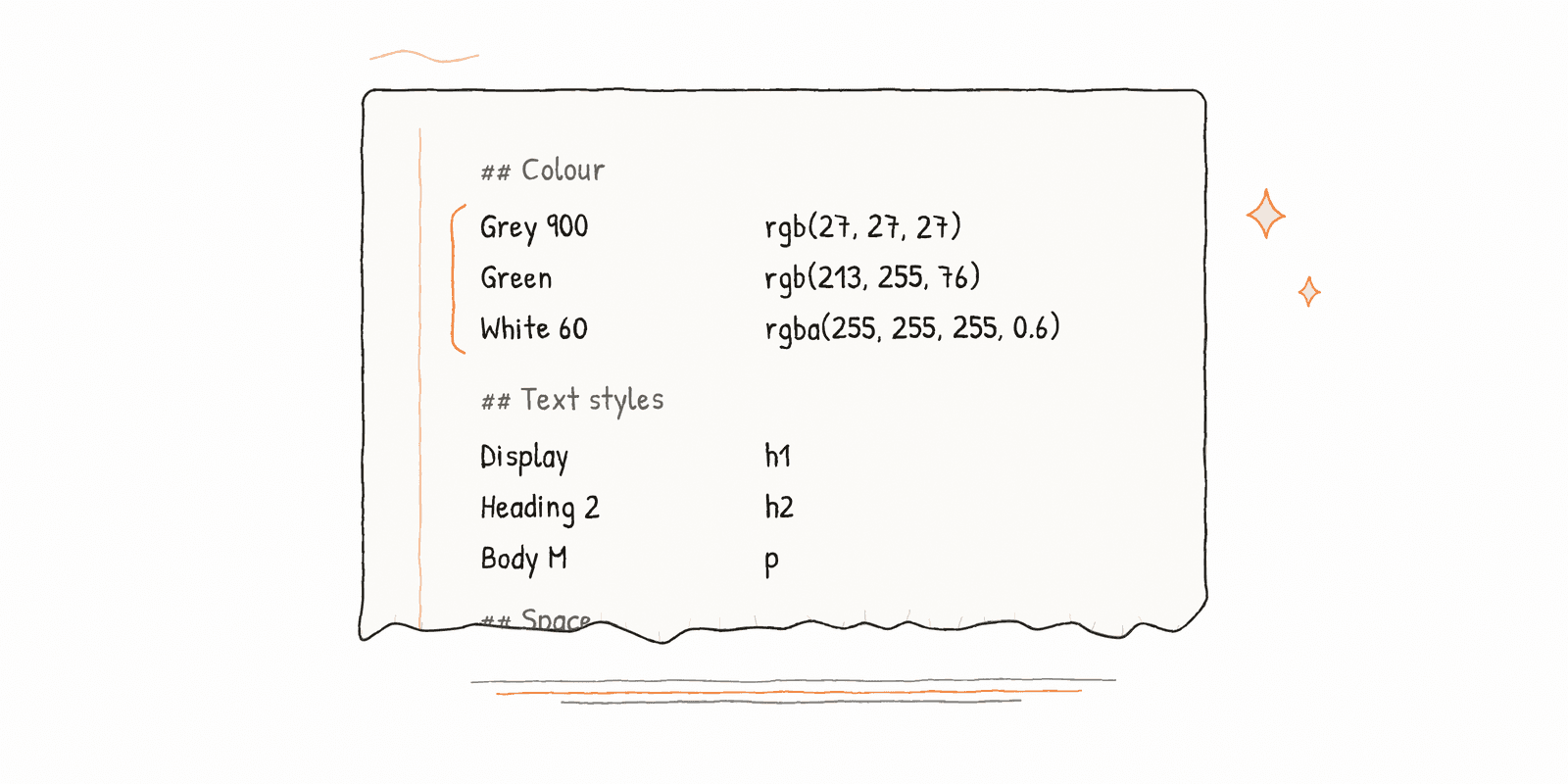
Colours and where each one is used. Fonts, sizes, weights. Spacing. What the components are called. Plus a short written explanation of the design's intent, the part that tells the AI agent why the site feels the way it does, not just what the hex codes are.
That's the whole idea. It's context, written down once, so you're not re-explaining your design in every conversation.
The .md is Markdown, a plain-text format that uses # for headings and - for bullet points. It opens in Notes, TextEdit, or any text editor you already have. There's nothing to install and nothing to learn. It looks like a slightly tidy set of notes, because that's what it is.
Why a file and not a prompt? Because a prompt has to be retyped every session, and an AI agent working without one will fill the gaps with its own defaults. Those defaults are the reason AI-generated pages look generic. Not because the model is bad at design, but because nobody told it what your design was.
The convention started in the vibe-coding community and got its first real push when Google built it into Stitch in early 2026. It became popular fast because it's cheap and it works.
DESIGN.md vs CLAUDE.md vs AGENTS.md
You'll see these three mentioned together. They're not alternatives.
File | Read by | Covers |
|---|---|---|
CLAUDE.md | Claude Code | How to work on the project |
AGENTS.md | Codex and others | The same, for tools that aren't Claude |
DESIGN.md | Whichever one you point at it | How the result should look |
The first two are about behaviour. The third is about appearance. If you only have a DESIGN.md, you have everything you need to start. The other two are for people managing a whole codebase.
How to use it when your site is in Framer
Here's the part the developer guides skip.
A Framer project isn't a folder on your computer, so there's no project root to drop the file into. What you need instead is an AI agent that can reach your Framer project, and then one habit that decides almost everything about what comes out.
We use Claude Code. Setting it up takes a few minutes: install Node.js, download the Claude Code app, sign in. You'll need your Framer project link with edit access. It's a one-time thing and you won't think about it again. Every DESIGN.md we ship comes with a step-by-step guide that walks you through all of it, so none of this depends on you already knowing how it works.
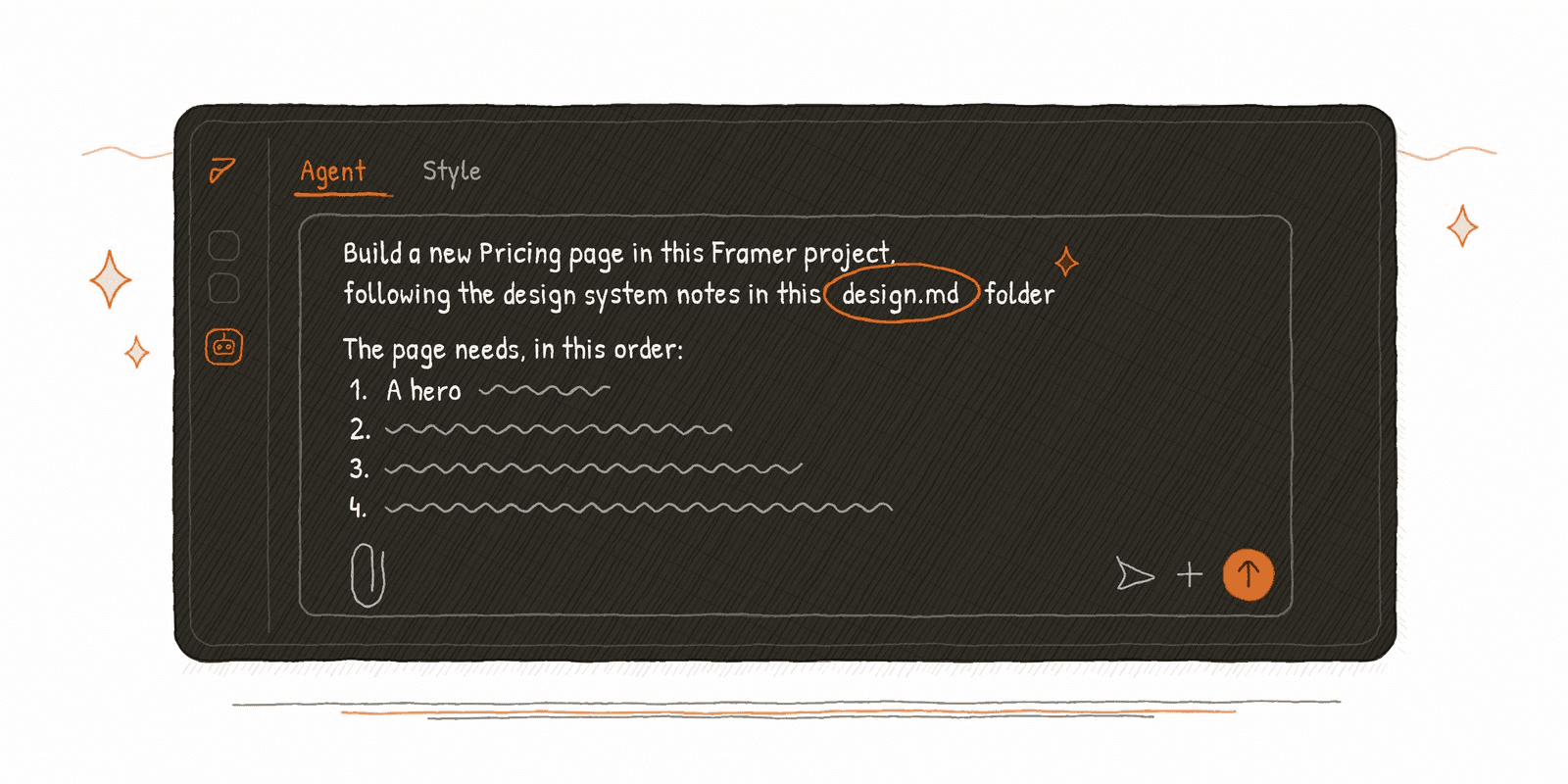
Then the habit, which is the part that actually matters: name the file in your prompt. Not make it match our brand. Instead: build this page using DESIGN.md for every styling and layout decision.
Don't assume it read the file just because you handed it over. Name it.
A DESIGN.md is also only as good as the site underneath it. If a template is built to be agent-ready, the AI agent walks into a house with a spare room already made up. If it isn't, the AI agent has to build a room out of whatever's in the hallway, so it improvises, and improvising is where designs break. That's why we build agent-ready templates. Have a look at Mindly and Solwell, and you'll see the file offered as an add-on at checkout.
What a DESIGN.md won't do
A DESIGN.md gets the AI agent to the right starting point. It doesn't finish the job, and it isn't meant to.
It handles the decisions, not the judgement. It can specify your accent colour. It can't tell an AI agent that this particular section needs more air. That's still you.
It aims, it doesn't supervise. A tighter brief means fewer mistakes, not none. Check the page before it goes live, on phone as well as desktop.
It describes your site as it was. Customise the template heavily and the file falls behind, so tell the AI agent what you changed, or ask it to check the live project first.
Our design.md files ship with follow-up prompts for exactly this, so when something comes out wrong you're not left guessing at how to ask for the fix.
The verdict
A DESIGN.md file is the cheapest upgrade available to anyone building with AI right now. It's a text file. Easy to understand. And it changes every output that comes after it.
The only real mistake is treating it as something technical. It isn't. It's your design, written down in sentences, so something other than you can read it.
FAQ
What is the md in DESIGN.md?
Markdown, a plain-text format that uses simple symbols like # for headings and - for lists. A .md file opens in any text editor. It's used for these files because people and AI agents can both read it easily.
Do I need to know how to code to use a DESIGN.md file?
No. It's a text file and you use it by naming it in a prompt. Reading one requires nothing beyond reading. The only technical step is getting your AI agent connected to your project in the first place.
Is DESIGN.md the same as AGENTS.md or CLAUDE.md?
No. CLAUDE.md and AGENTS.md tell an AI agent how to work on a project. DESIGN.md tells it how the result should look. If you've only been given a DESIGN.md, that's fine. It's the one that affects what you see.
Will an AI agent build a page that matches my site exactly?
Close, not exact. A DESIGN.md gets the colours, type and components right and keeps the output on-brand. Expect to fix spacing and small structural details yourself, and always check the page on tablet and phone before publishing.