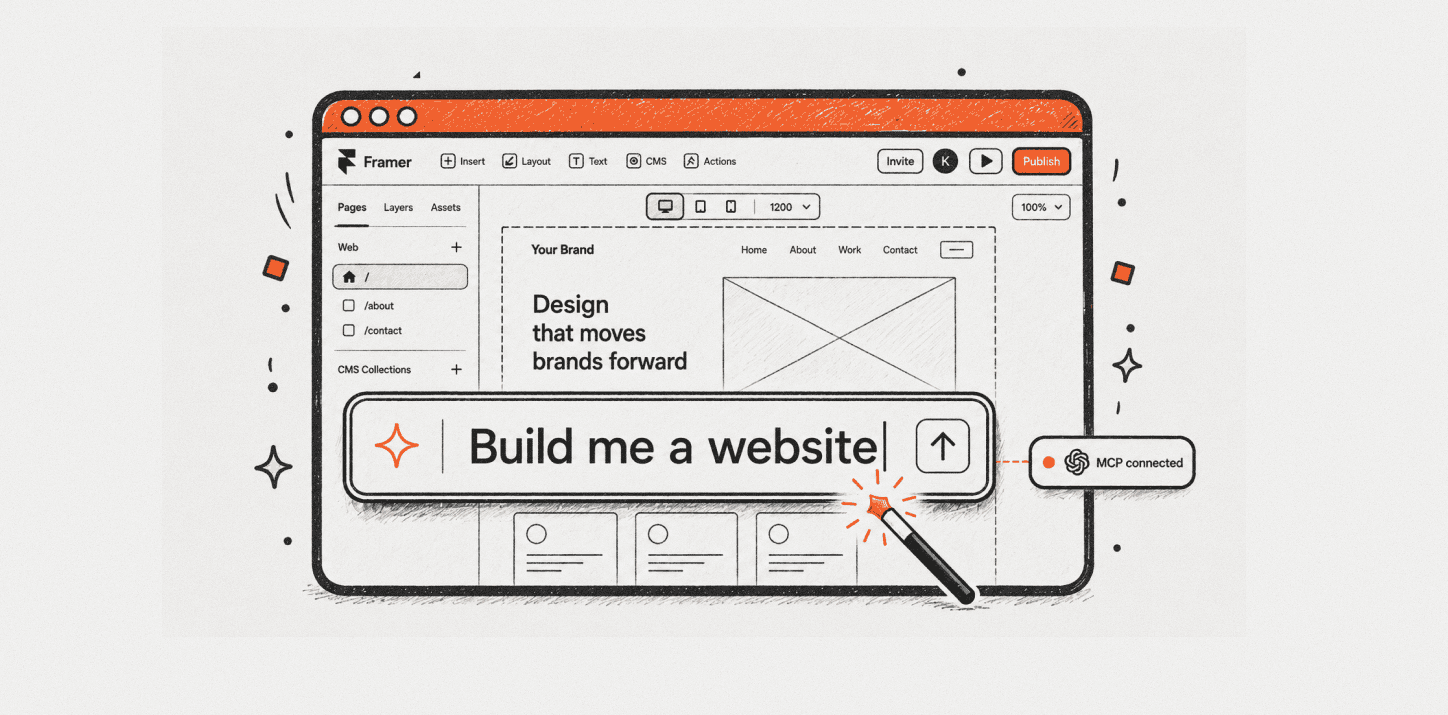


I lead Omakase, a Framer resource studio. We build templates, components, and plugins, I have spent the last six months running every Framer AI feature on real client builds and on our own products. This is what each one is actually for in 2026.
Last week was a good example of how the framer ai features surface actually works in practice. On Tuesday, I ran a technical SEO audit on a client's Framer project using the Framer MCP plugin through Cursor. It surfaced metadata gaps and broken internal links across 40-plus CMS entries in about ten seconds. On Thursday, that same client needed a pricing calculator with a monthly/annual toggle. I opened Workshop, typed out what I wanted, iterated twice inside the same panel, and it was done. The context never left Framer. Two different tools. Two completely different jobs. Both earned their place in that week.
Key Takeaways
Framer ships seven AI surfaces in 2026: Workshop (component generation, Claude 4.5 since September 2025), the Framer MCP plugin (bring-your-own-LLM via Claude or Cursor, used for CMS management and SEO audits), AI Translate (GPT-4o, GPT-4o-mini when AI Style is enabled, more than 100 languages), Auto Rename (AI-powered layer renaming, Option+R), Wireframer (page-structure generation), AI Plugins (third-party OpenAI/Anthropic/Gemini integrations), and the May 8 2026 Claude & Codex beta. "AI CMS" and AI image generation are not first-class Framer features.
Workshop and the Framer MCP plugin are co-equal at the top of Framer's AI surface in 2026, each solving a different job. Workshop is for generating complex components via vibe coding inside the Framer editor: keep everything in one place and iterate until the result lands. The Framer MCP plugin is for repetitive and time-consuming tasks (CMS management, technical SEO audits, design-page experiments) via your own LLM in Claude Desktop or Cursor.
Workshop has 161K users on the Framer Marketplace, runs on Claude 4.5 since September 30, 2025, works on all code components (not just Workshop-generated ones), and inherits the project's fonts and colors. Three Claude model upgrades have shipped in under twelve months, signaling Framer is running this product seriously.
The Framer MCP plugin's highest-leverage use cases in 2026 are CMS management and technical SEO audits, both of which are repetitive jobs that would otherwise take hours by hand inside the editor. Design-page mockup generation is an emerging usage on X but not yet the dominant one. MCP is the right install for practitioners who already work in Claude Desktop or Cursor; it is not a high-priority install for designers who live entirely inside the Framer editor.
Framer AI Translate uses GPT-4o by default and GPT-4o-mini when AI Style is enabled on a locale. It supports more than 100 languages but has two real limits: each locale is a paid add-on at $20 per locale per month on top of the base Framer plan, and there are no built-in translation approval chains. The often-cited $190/month figure from older reviews predates Framer's October 2025 pricing restructure.
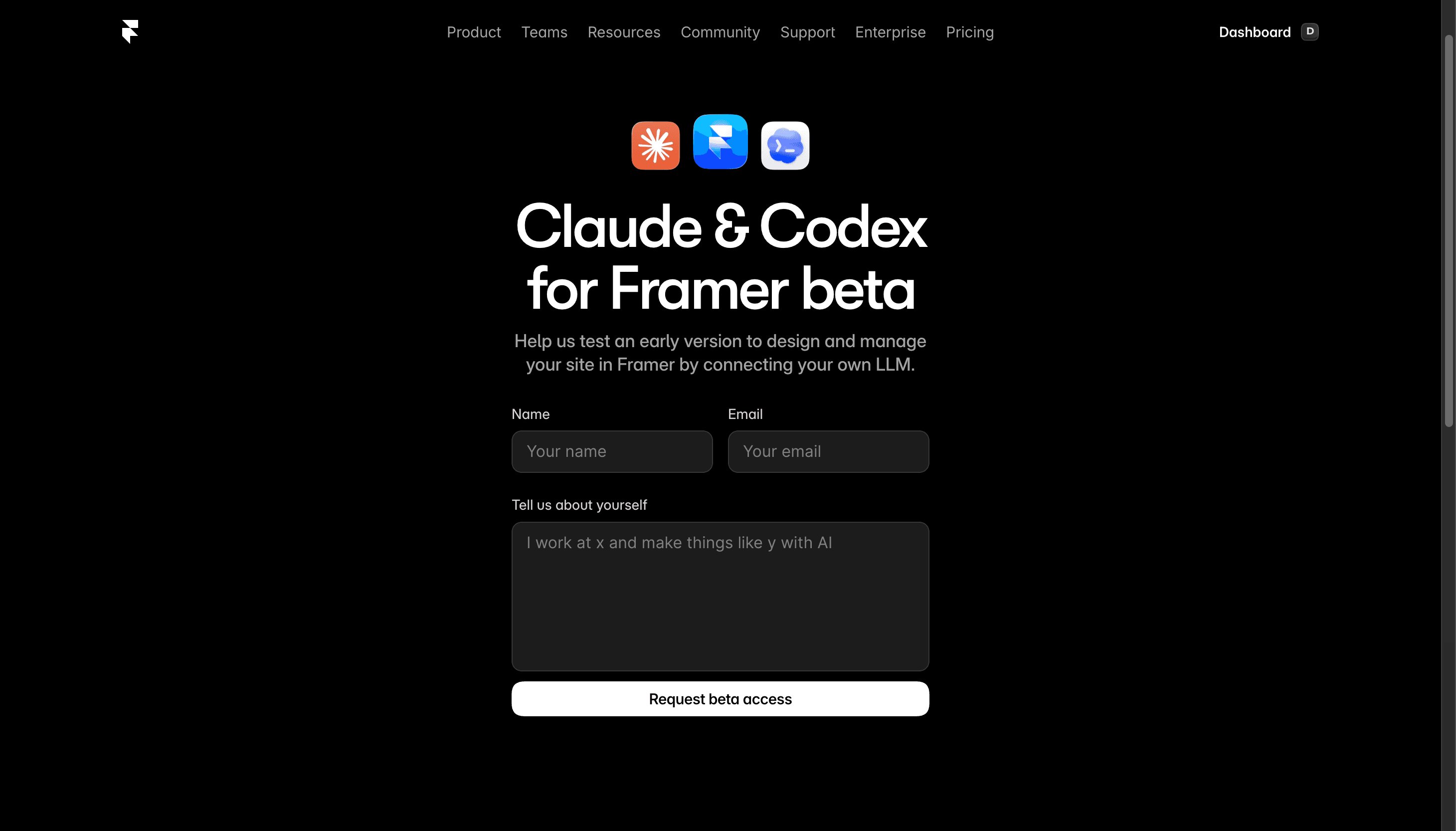
As of May 8, 2026, Framer launched a Claude & Codex for Framer beta that lets users connect their own LLM to design and manage Framer sites at the canvas level. Together with the existing Framer MCP plugin, this signals Framer's AI surface is broadening from "Framer-managed AI" toward "your LLM, Framer's canvas." A dedicated review is coming when the beta opens publicly or access lands.
What Framer AI Features Ship in 2026
Before getting into where each tool earns its place, here is the complete surface. Framer markets four AI features on framer.com/ai: Wireframer, Workshop, AI Translate, and AI Plugins. Two more features exist but do not appear on the marketing page: Auto Rename (Option+R, AI-powered layer renaming) and the Framer MCP plugin (bring-your-own-LLM, built by Tommy D. Rossi, now a Framer product). As of May 8, 2026, there is also the Claude & Codex for Framer beta at framer.com/llm, a separate surface still in active testing.
Two things often listed as Framer AI features are not actually features.
"AI CMS" is a marketing conflation of AI Translate (which is real) and AI content generation (which lives inside AI Plugins). There is no first-party AI CMS product in Framer in 2026. AI image generation is also not a Framer feature. It lives inside third-party AI plugins that call OpenAI or Anthropic image APIs. Mentioning image generation as a Framer AI feature is a SERP artifact, not a product reality.
Seven surfaces total when you include the beta. That is the accurate inventory.
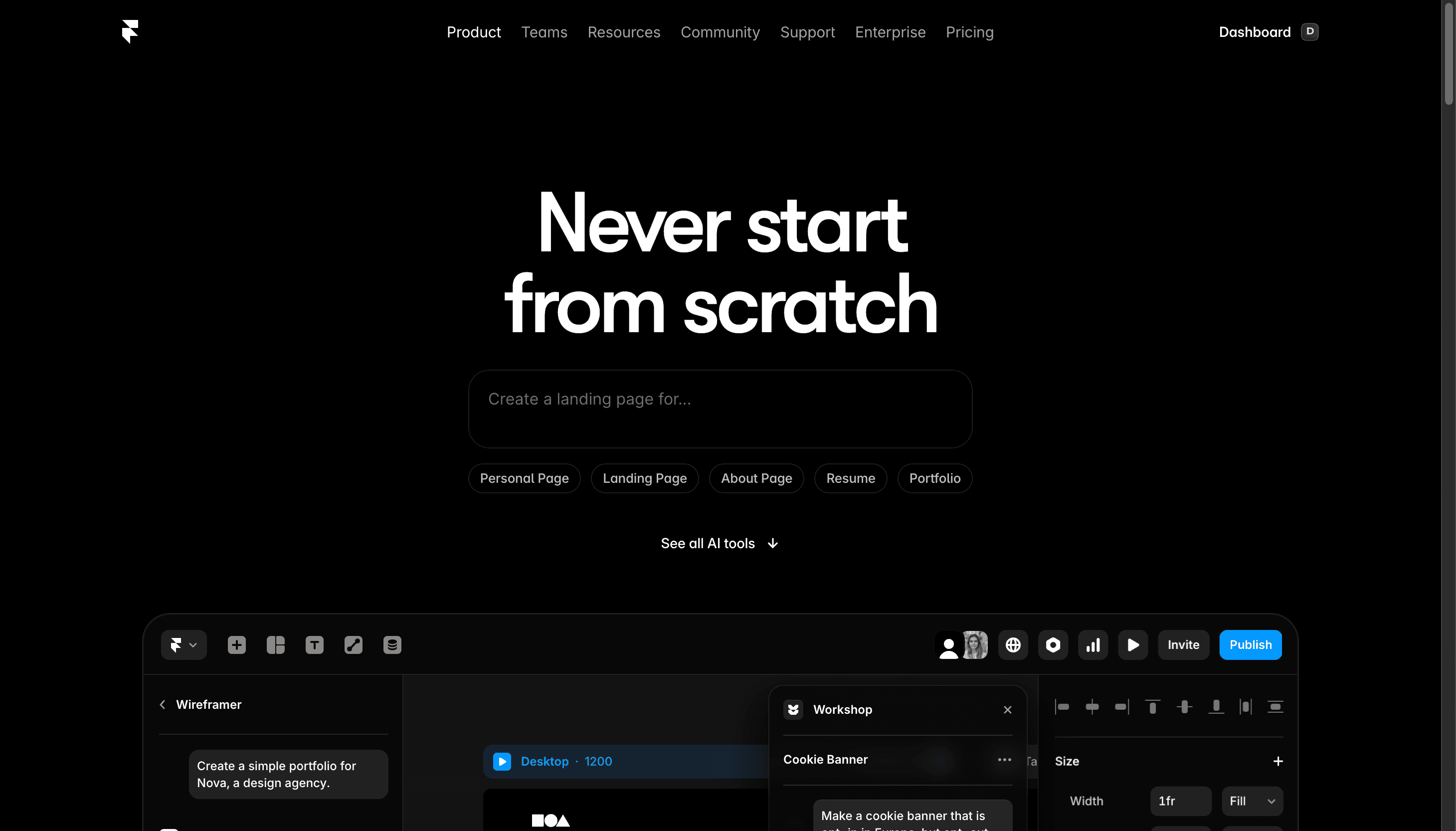
Framer Workshop: Complex Components Inside the Editor
Workshop earns its place in my workflow on the specific kind of build that would have taken hours of back-and-forth with an external LLM. I describe what I want, Workshop generates a working component, I iterate inside the same panel until it lands. The context never leaves Framer.
That inside-Framer iteration loop is the actual value prop. It is not just about generating code. It is about generating, reviewing, tweaking, and approving without ever switching windows or losing project context. A pricing calculator that needs three rounds of iteration takes twelve minutes in Workshop. The same task with an external LLM, copying code back and forth into Framer, takes 45 minutes or more.
The substrate underneath that loop is solid. Launched May 21, 2025, Workshop has run three Claude version upgrades in under twelve months.
Date | Workshop AI model | Source |
|---|---|---|
May 21, 2025 | Initial launch | |
July 1, 2025 | Claude 4.0 | |
September 30, 2025 | Claude 4.5 |
The September 30, 2025 update also expanded what Workshop can touch: it now works on all code components in your project, not just ones Workshop generated. Hand-coded components are fair game for modification. The component also inherits your project's fonts and colors from the first generation, so the output looks native rather than pasted-in.
Adoption numbers are harder to explain away than changelogs. 161K users on the Framer Marketplace . Product Hunt launch: 313 upvotes, ranked #4 of the day on May 23, 2025. A third-party platform, VibeFrame, now exists specifically for Framer Workshop AI components. Third-party platforms build around features with real usage, not around features people try once and forget.
The r/framer community reflects the pattern. u/Diah_Rhea, in a thread specifically about Workshop, wrote: "Framer workshop is very powerful and makes most premium components entirely obsolete... all five to ten dollar components are doable with only a single prompt." One practitioner's read, but one worth registering given the thread engagement.
I tested this on several component categories. A pricing calculator from a single prompt, generated in about three minutes, looked native to the project because Workshop pulled the fonts and colors automatically.
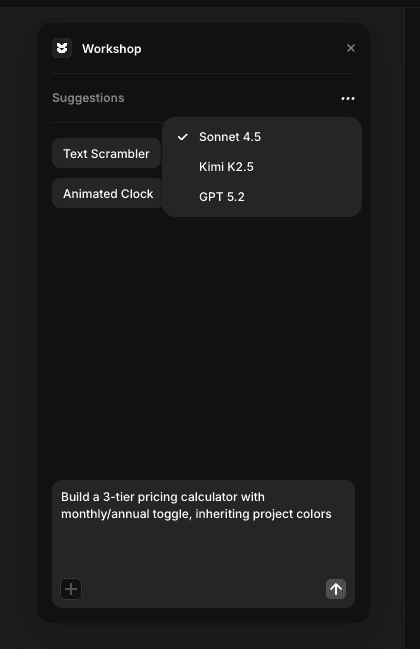
Workshop is for interactive, dynamic, or complex components. For static elements, regular Framer components are faster. Hamza Ehsan's recent Workshop tutorial puts this plainly: use regular Framer components for static elements; Workshop is where you go when a component would otherwise require custom React.
Framer MCP: Audit and Manage What Already Exists
The Framer MCP plugin earns its place in my work for the opposite job Workshop solves. Workshop is what I reach for when I need a new component fast. MCP is what I reach for when I need to audit, manage, or repeat work across an existing project: CMS management, technical SEO audits, the kind of repetitive editing that takes hours by hand inside the Framer editor.
That split matters. They are not competing tools. They are tools for different phases of a project.
The Framer MCP plugin, built by Tommy D. Rossi, connects Framer to Claude Desktop or Cursor via the Model Context Protocol. Your LLM gets live access to your Framer project: the CMS structure, the page metadata, the component library, the variable system. It reads the project the way a developer reads a codebase.
CMS management. At Omakase, we use MCP to manage CMS entries at scale. Adding, editing, and organizing CMS content via Cursor with MCP-mediated access to the project takes a fraction of the time it takes inside the Framer editor. The audit I described in the opener: 40-plus CMS entries, metadata gaps surfaced, about ten minutes. That same audit by hand inside Framer would have taken an hour and a half, minimum.
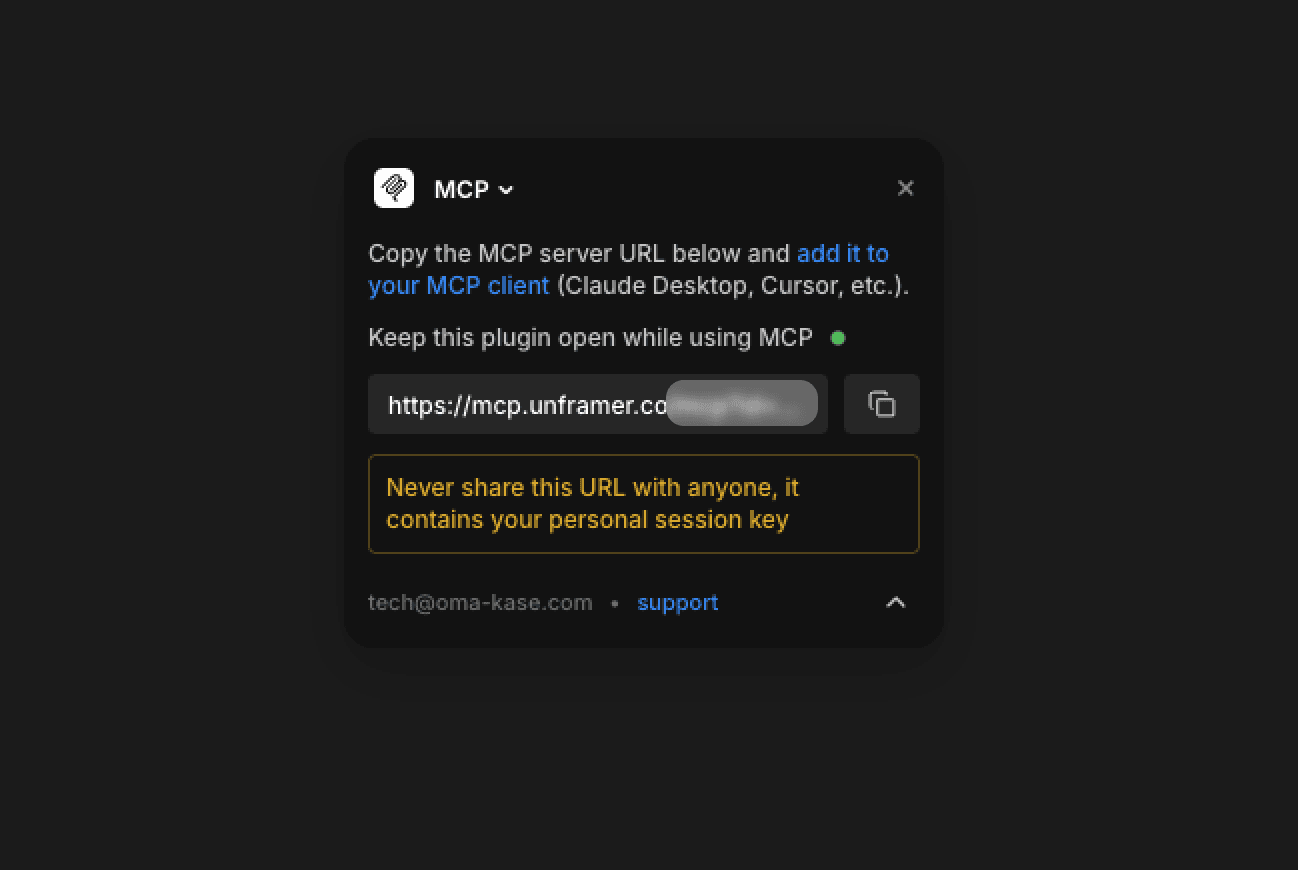
Technical SEO audits. MCP is also where I run technical SEO work on Framer projects. Surfacing metadata gaps, broken internal links, missing alt text, schema issues across an entire project via a single query in Claude Desktop. If you are doing this kind of work at any scale, MCP changes the math significantly. I have written more about the specifics of Framer's SEO setup in the Framer SEO guide and the Framer technical SEO breakdown, both of which apply directly to what MCP surfaces in an audit.
Emerging: design-page experiments. Some practitioners on X are using MCP on design pages to generate mockups or base visuals to build from. That usage is real but emerging, not dominant. Worth noting because it hints at where MCP's scope expands as more people find their own workflows.
Honest framing: MCP is not for everyone. If you work entirely inside the Framer editor and you do not touch Cursor or Claude Desktop in your normal flow, MCP is not a high-priority install. The setup requires comfort with those external tools. For the practitioner doing CMS management, content audits, or technical SEO work, it is the highest-leverage tool in the Framer AI surface right now, and the one with essentially zero coverage in the rest of the SERP.
The r/framer thread where Tommy D. Rossi introduced the plugin landed 20 upvotes and 12 comments, almost entirely from practitioners asking how to configure specific workflows: SEO, CMS, component generation from external design specs. The engagement is niche but highly intentional.
Workshop builds; MCP audits and manages. If your work is mostly making new components, Workshop matters more. If your work is mostly maintaining and auditing what already exists, MCP matters more. Most practitioners need both.
The Claude & Codex for Framer Beta (May 8, 2026)
Framer launched a Claude & Codex for Framer beta on May 8, 2026. The pitch: design and manage your site in Framer by connecting your own LLM.
This is Framer's second bet on bring-your-own-LLM, and the deeper one. The Framer MCP plugin was the first: plugin-level integration that gives your LLM access to your Framer project context. The Claude & Codex beta goes further: canvas-level LLM control, designing and managing the site itself from outside the editor. Together they signal a clear directional shift. Framer's AI surface is broadening from "Framer-managed AI" (Workshop's model) toward "your LLM, Framer's canvas."
Three Claude upgrades in under twelve months, then two BYOL bets landing within months of each other. The pattern is intentional.
One honest disclaimer: I do not have access to the beta yet. When the beta opens up or I get in, I will update this article with what the bring-your-own-LLM workflow actually looks like, where it beats Workshop, and where it does not. A dedicated piece is coming when there is enough to say. For now, treat the strategic signal above as the read, not a verdict.
The Rest of the AI Surface: What Each One Is For
If you are looking for a Framer AI features pros and cons read in 2026, this section is the honest version: each feature has a real use case, and each has a real limit. Neither the hype nor the dismissal is accurate.
Wireframer
Wireframer generates page structure: sections, layouts, rough copy blocks from a prompt. It is a structure-first wireframing tool, not a website generator, and the expectation mismatch between those two things is the feature's main problem.
Documented failure modes are real. Mobile-layout breakage (oversized headlines bleeding off-screen on small viewports), nested links that break navigation, and generic placeholder copy the AI does not replace for you. Hamza Ehsan's recent Wireframer tutorial is the most honest third-party account I have read. He names the pattern directly: "users struggle with prompt writing... wasted my first dozen attempts... expectation mismatch with final design output."
u/FredNuffThink, in an r/framer thread titled "Disastrous introduction of Wireframer feature" (26 upvotes, 96% upvote ratio, 17 comments), wrote: "Wireframer, a clunky lame AI tool where you have to guess at prompts to produce poor output." Community context, not a definitive verdict, but a signal worth noting.
Wireframer's name implies website generation. The actual output is closer to a structural wireframe. Use it to unblock a blank canvas and block out sections in the first 30 minutes of a build. Do not expect a site you can publish.
AI Translate
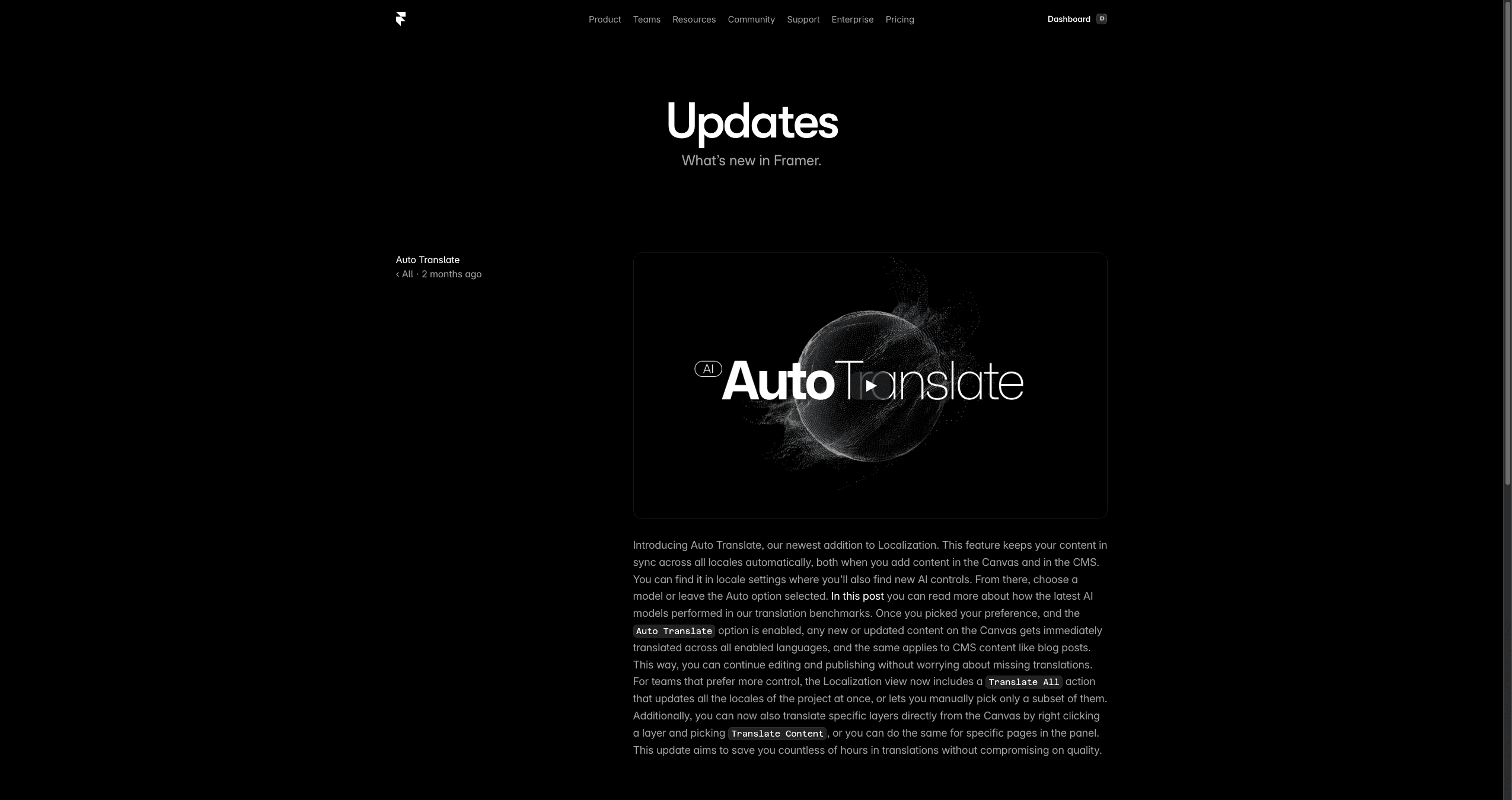
AI Translate is the most rigorously documented Framer AI feature, and it does what it says.
GPT-4o by default, GPT-4o-mini when AI Style is enabled on a locale. More than 100 languages supported. Machine translation quality on par with feeding the same text directly into GPT-4o. For most marketing sites, that is good enough on the first pass.
Two real limits. Each locale is a paid add-on at $20 per locale per month on top of your base Framer plan (verified against the current framer.com/pricing page, May 11, 2026). Framer AI features pricing in 2026 splits cleanly on this point: the $190/month figure from older reviews predates Framer's October 2025 pricing restructure; the current math is Pro at $30/month plus $20 per locale. Three locales means $90/month total. To plug your real setup (editors, locales, region) into the math, use our Framer cost calculator. For the full cost model and how locale pricing compares against Webflow's internationalization approach, the Framer vs Webflow pricing comparison goes deeper.
The second limit: no built-in translation approval chain. No staging workflow for a reviewer to approve translations before they go live, no role-based permission to lock translated copy, no diff view when you update source copy after translations have shipped. For a personal site or a small startup, this does not matter. For a brand publishing in seven languages with a legal review requirement, it is a real gap.
Useful and well-documented. The pricing and approval-chain gaps are real but known. Go in with both eyes open.
Auto Rename
Small feature. Genuinely AI. Option+R in the Framer editor runs an AI pass on your layer names and renames them to something readable. Surfaced in r/framer in a post from the Framer team (21 upvotes from Rachel at Framer) that most users scroll past.
This is the kind of feature that compounds over a project lifecycle. Messy layer names slow down handoff, break variable references, and make debugging painful. Auto Rename costs nothing to run and cleans up an hour of manual renaming on a heavy project. Narrow scope. Real value. Build the muscle memory for Option+R on heavy projects and you will not think about it again.
AI CMS
There is no "AI CMS" in Framer in 2026. The label lives in marketing materials and review aggregators, but there is no AI-powered CMS product.
What exists is AI Translate (which touches CMS localization) and AI Plugins (which let you generate content into CMS fields via OpenAI or Anthropic integrations). These are separate features that reviewers have collapsed into one label. If a review site mentions "Framer AI CMS" as a feature, it is conflating two different things.
AI Image Generation
Not a first-party Framer feature. What you find on the Framer Marketplace AI category is a handful of third-party plugins that call OpenAI DALL-E or Anthropic Claude's vision APIs. These are plugins, not Framer features. If you need AI image generation inside a Framer build, install a marketplace plugin; just do not call it a Framer AI feature. The distinction matters when you are evaluating what Framer itself ships versus what the ecosystem layers on top.
Where Framer AI Fits vs. Claude, v0, and Lovable
This is the question that shows up most often in r/framer, and it is the right question to ask before committing to a tool stack.
u/Wakinghours asked it directly in a thread titled "Does Workshop give you Claude-like flexibility?":
"I was thinking about subscribing to Claude and pushing to Git for some fun side projects, but the specificity and robustness of Framer is far more attractive. I'm not building a web app, just public sites."
That is the exact persona question. And Wakinghours' instinct matches the working consensus: Framer for the marketing site, Lovable or v0 for the product. Framer's own framer.com/compare/framer-vs-lovable page confirms the split without pretending the overlap does not exist.
Workshop competes with hand-coded React components inside Framer. MCP competes with manual CMS and SEO work inside Framer. Neither competes with v0 or Lovable for SaaS product builds. That is not a limitation; it is a scope boundary.
u/Mr_Puppetmaster asked the strategic version of the same question: "Is it still worth it to learn Framer in mid of 2025 when vibe coding is rising?" (44 upvotes, 54 comments). The community's answer: yes, if you build marketing sites. No, if you are building a SaaS product UI.
A dedicated Framer vs. v0 vs. Lovable piece is coming as Article #2 in this cluster. The sidebar above is the short answer. The full comparison needs its own space.
FAQ
What is the difference between Workshop and the Framer MCP plugin?
Workshop generates components inside the Framer editor using Framer-managed AI (Claude 4.5 as of September 30, 2025). You describe what you want, Workshop generates a working component, you iterate inside the same panel. The Framer MCP plugin connects your own LLM (Claude Desktop or Cursor) to your Framer project for repetitive and time-consuming tasks: CMS management, technical SEO audits, design-page experiments. Workshop builds new things; MCP audits and manages what already exists. Most practitioners who do both component work and CMS or SEO work will end up using both.
Does Workshop give you Claude-like flexibility?
Yes for marketing-site components inside Framer, no for full applications. Workshop runs on Claude 4.5 and generates interactive code components inside Framer with one prompt, inheriting your project fonts and colors. It works on all code components in your project, not just Workshop-generated ones. The advantage is the inside-Framer loop: describe, generate, iterate, ship, without switching contexts. For SaaS product builds, Cursor or a direct Claude subscription is the right tool; Workshop does not replace them.
What is the Framer MCP plugin actually used for?
In 2026, the most common practitioner use cases are CMS management (adding, editing, organizing CMS entries via your LLM with live access to your Framer project) and technical SEO audits (surfacing metadata gaps, broken internal links, missing alt text, schema issues across a project). Some practitioners are also experimenting with MCP on design pages to generate mockups or base visuals to build from; that usage is emerging rather than dominant. MCP is the right install for practitioners who already work in Claude Desktop or Cursor. It is not a high-priority install for designers who live entirely inside the Framer editor.
Is it still worth learning Framer in 2026 when vibe coding is rising?
Yes, if you build marketing sites and content-heavy public websites. For a Framer AI features review in 2026, the short answer is: the AI surface has matured enough that the tooling advantage is real. The r/framer thread from u/Mr_Puppetmaster (44 upvotes, 54 comments) landed on the right answer: Framer is the marketing site tool, Lovable and v0 are the product tools. If your work is public-facing websites, Framer's design fidelity, Workshop's component generation, and MCP's audit and management layer give you a workflow that vibe-coding tools do not replicate. If you are building SaaS product UI, the answer shifts toward Lovable or v0.
Which Framer AI features require a paid plan?
Framer AI features pricing in 2026 splits cleanly: Workshop, Wireframer, the Framer MCP plugin, and Auto Rename ship on every plan including Free; AI Translate per-locale is a paid add-on at $20 per locale per month on top of your base plan; AI Plugins access varies by plugin. Verify current plan details against framer.com/pricing before committing.
Is the May 2026 Claude & Codex for Framer beta worth using?
Too early to say. The beta launched May 8, 2026; no public adoption data exists yet. The strategic signal is worth understanding: it extends the BYOL pattern that the Framer MCP plugin established, moving from plugin-level LLM integration to canvas-level LLM control. A dedicated review is coming when the beta opens publicly or I get access. Until then, treat the framing in this article as the read, not a verdict.
What is the difference between Wireframer and Workshop?
Wireframer generates page structure: sections, layouts, rough copy blocks. Workshop generates components: interactive, production-quality React code that inherits your project's design system. Wireframer outputs are starting points that need manual fixes for mobile layout, copy, and images. Workshop outputs are production-ready components you can use immediately. Use both, but for different jobs: Wireframer unblocks a blank canvas; Workshop builds the functional parts.
Is Framer AI good for building a SaaS product?
No. Framer AI is for the marketing site. For SaaS product UI, reach for v0, Lovable, or Cursor. The consensus across r/framer and Framer's own framer.com/compare/framer-vs-lovable page is consistent: Framer handles the marketing layer, Lovable handles the product layer. Workshop generating a pricing calculator or a feature grid for the marketing site is excellent. On Framer AI e-commerce features in 2026: Workshop generates checkout components but neither Workshop nor any first-party Framer AI feature replaces a real e-commerce backend; pair with Stripe Checkout or a third-party plugin.
Closing
Workshop is the inside-Framer component build. MCP is the audit and the maintenance layer. Both work best when your project already ships with the CMS schemas, SEO defaults, and component system you want to extend. That is the kind of foundation a production-ready template gives you on day one.
If your next Framer build is a SaaS marketing site, an agency portfolio, or a course landing page, the template library at oma-kase.com/templates is the starting point Workshop is good at extending and MCP is good at auditing. Use OMAKASE20 for 20% off your first one.