The first time I opened one of our kits, I honestly didn't know what I was expecting. I got a zip file. It contained modular agent instructions in the form of plain text files covering how a template looks, how its pages are built, brand voice, how the AI agent should work, plus an audit script that checks the result. I pointed Claude Code at it, asked for a new page, and the agent built something that looked like it belonged. It wasn't magic. It was context.
On September 22, Framer made that idea native. Framer launched Skills: reusable instructions for your design system, writing style, or CMS workflow. They stay with a project when someone remixes it, so template creators can ship guidance for adding new pages with their template.
That’s good news. It also means the phrase “agent-ready” is about to get very cheap. Any template can now carry a few lines of instructions and call itself agent-ready. So here’s the question nobody else is answering: when a template says agent-ready, how do you know your agent will actually get the next page right?
That's what this article is for.
Key Takeaways
Framer Skills let any template carry instructions for an AI agent, and those instructions survive when you remix the template.
Carrying instructions is not the same as being agent-ready. A skill can be three lines long.
An agent needs four things to extend a template without drift: design rules, canonical references, exceptions, and an agent protocol.
DESIGN.md is the design rules part. It is one file, not the whole system.
The only test that matters: does a new page built with only the kit look like it belongs?
Use the five-question checklist below before you pay for any “agent-ready” label, including ours.
What Framer Skills change for agent-ready Framer templates
Framer Skills are saved instructions the Framer agent follows when it works on your project. A skill can reference your project's pages, components, and styles, so the agent follows your design direction while you keep control on the canvas. You don't even have to type the command each time. The agent can pick up a skill on its own when the task matches what the skill is for.
For someone buying a template, the important part is remixing. Before Skills, a template gave you pages, components, and styles. Now it can also give you instructions for how those pieces should be used when you add something new. That's a real step forward, and I'm glad Framer took it.
But notice what Framer itself says about it. A skill gives the agent a better starting point, and each page still needs design judgment. That's Framer being honest. A skill is the container. What goes inside it is up to whoever made the template.
Why “ships with a skill” is not the same as agent-ready
Here is a complete, valid skill: “Use the existing components and colours. Don’t invent new ones.”
That template now technically ships with agent instructions. It will still produce pages that look slightly wrong, because the instruction leaves every real decision to the agent. Which components? In what order? What does a good pricing section look like on this particular site? What about the one page where the rules deliberately bend?
Think of it like a restaurant. A skill is a recipe card. An agent-ready template is a kitchen where someone has already cooked the dish, tasted it, written down what went wrong the first three times, and left notes for the next cook. Both involve instructions. Only one reliably produces the same meal.
Rules without examples get interpreted. Rules without exceptions get applied where they shouldn't be. And rules nobody has tested are just guesses written confidently.
An agent needs these 4 things to extend a template without drift
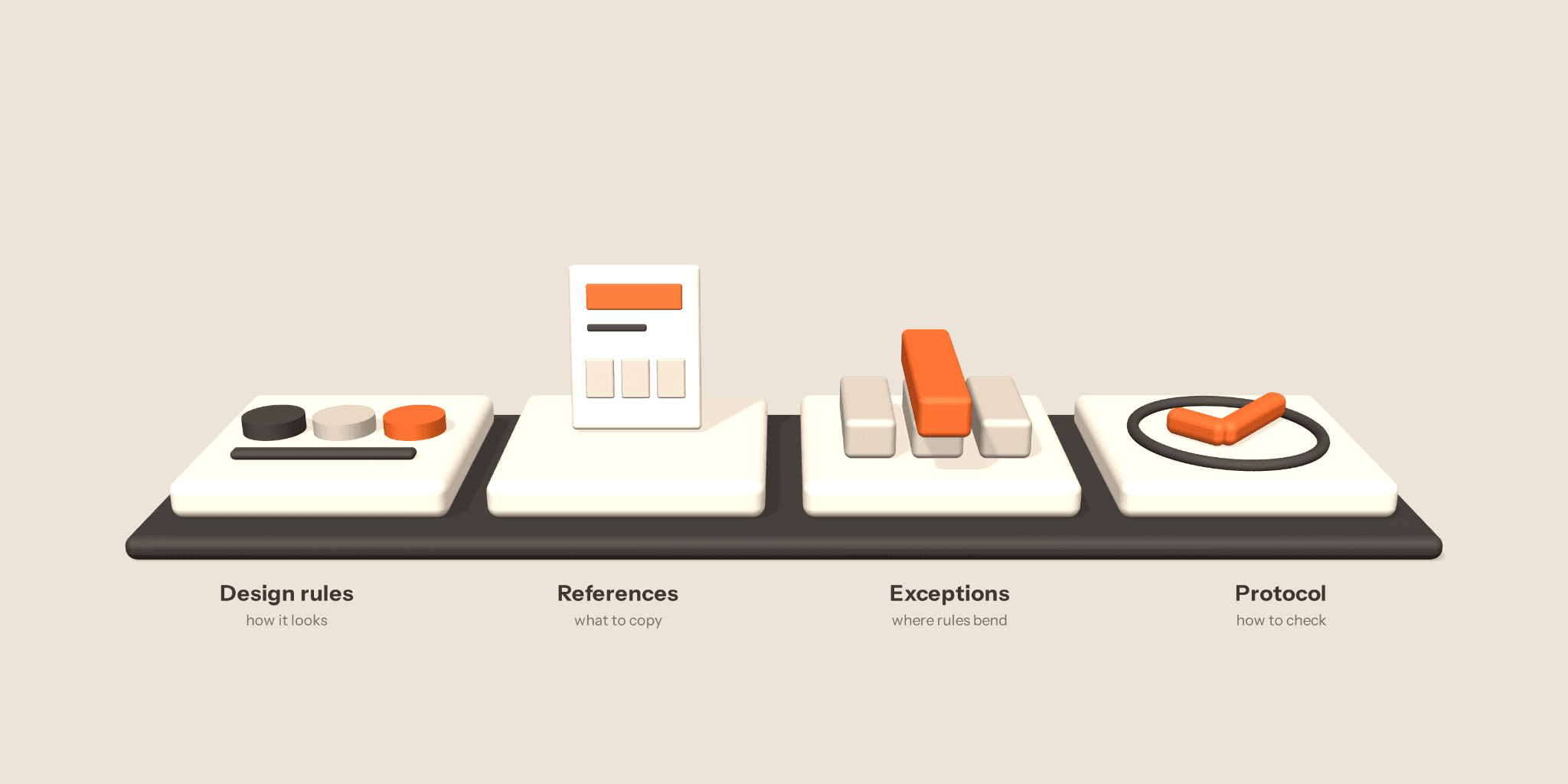
Design rules. These are the basics: colours, type styles, spacing, breakpoints, and which components exist. This is what most people picture when they hear “agent instructions,” and it’s the part Framer’s example skills cover best.
Canonical references. These are the real pages and sections the agent should copy from. “Use a card layout” is vague. “Build it like the features section on the home page” is not. Framer’s own advice points the same way: point the agent at a real page and it treats that page as the source of truth.
Exceptions. Every good template breaks its own rules somewhere on purpose. A hero that runs wider than the grid. A dark section in a light site. If the agent doesn’t know these are deliberate, it either copies them everywhere or “fixes” them away.
An agent protocol. This is how the agent should work, not just what it should make. It covers what to check before building, what to leave alone, and what “done” means before it hands the page back to you. In our agent kits, that last step is a script. The agent doesn’t just follow the rules; it checks its own output against them.
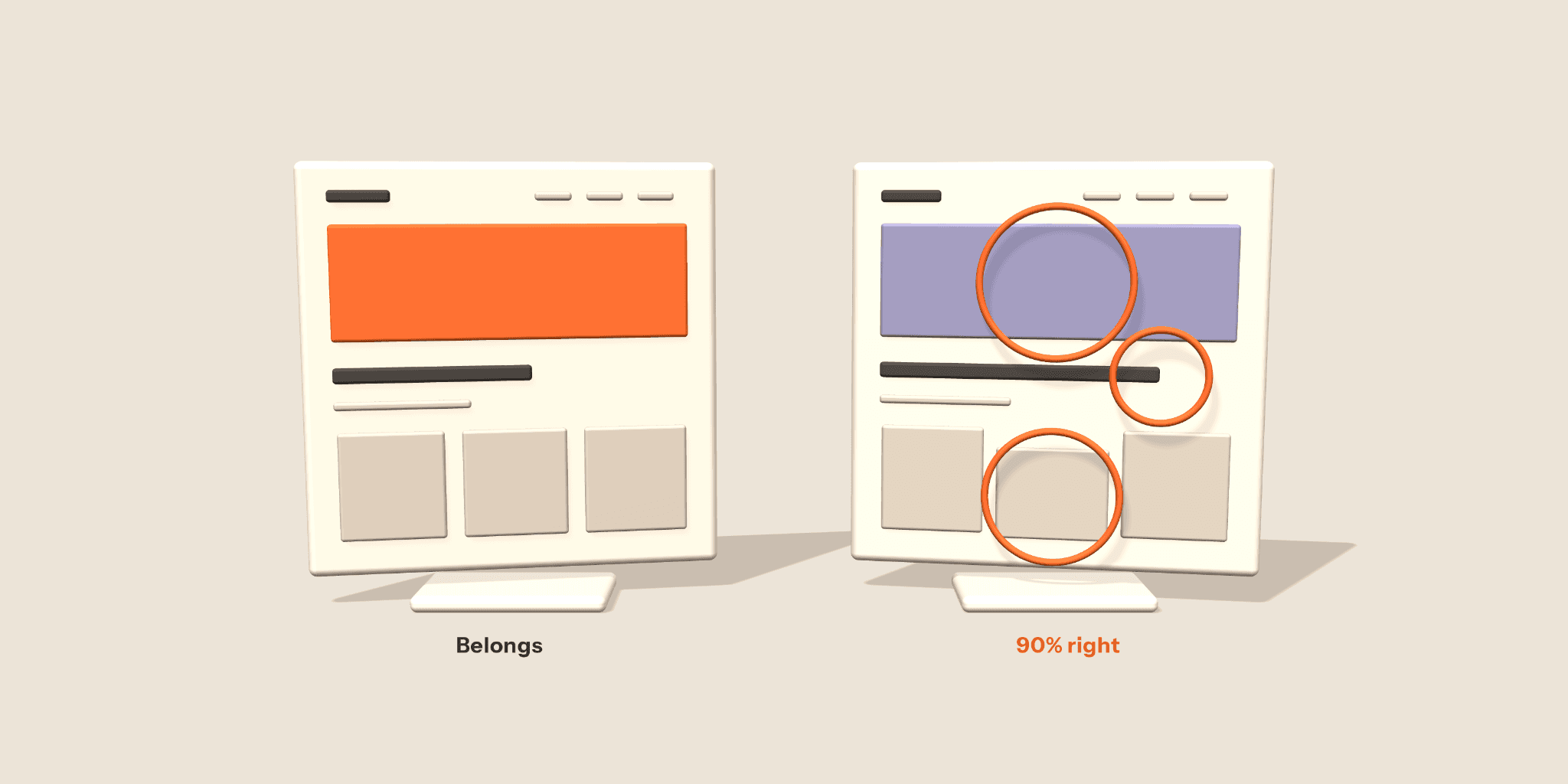
Miss any one of these and you get drift. Drift doesn't show up as broken pages. It shows up as pages that are 90% right, which is worse, because you only notice once you've already published the template.
Where DESIGN.md fits
Last week we wrote about what a DESIGN.md file is and how to use it. Everything in that article still stands. But I want to be clear about its place in the bigger picture: DESIGN.md is the design rules part of the list above. It’s one file.
For a while we used the file name to talk about the whole thing, and that was on us. What we actually build is an Agent Kit. DESIGN.md sits inside it, alongside the references, exceptions, and protocol that make the rules usable. If you've already started using a DESIGN.md with your agent, you're on the right track. You're just holding one piece of it.
The only test that matters: a new page that still belongs
Here is the standard we hold our own kits to. Using only the agent kit and the user guide, we built a new page — a partnership page — and it looked like it belonged to the original site. Not close. Belongs.
The demo can help you build a page without any help from us. Why no help? Because you won't have us sitting next to you when you build. If an agent instruction only works when its creator is in the room, it doesn't really work.
Five questions to ask before you trust an “agent-ready” label
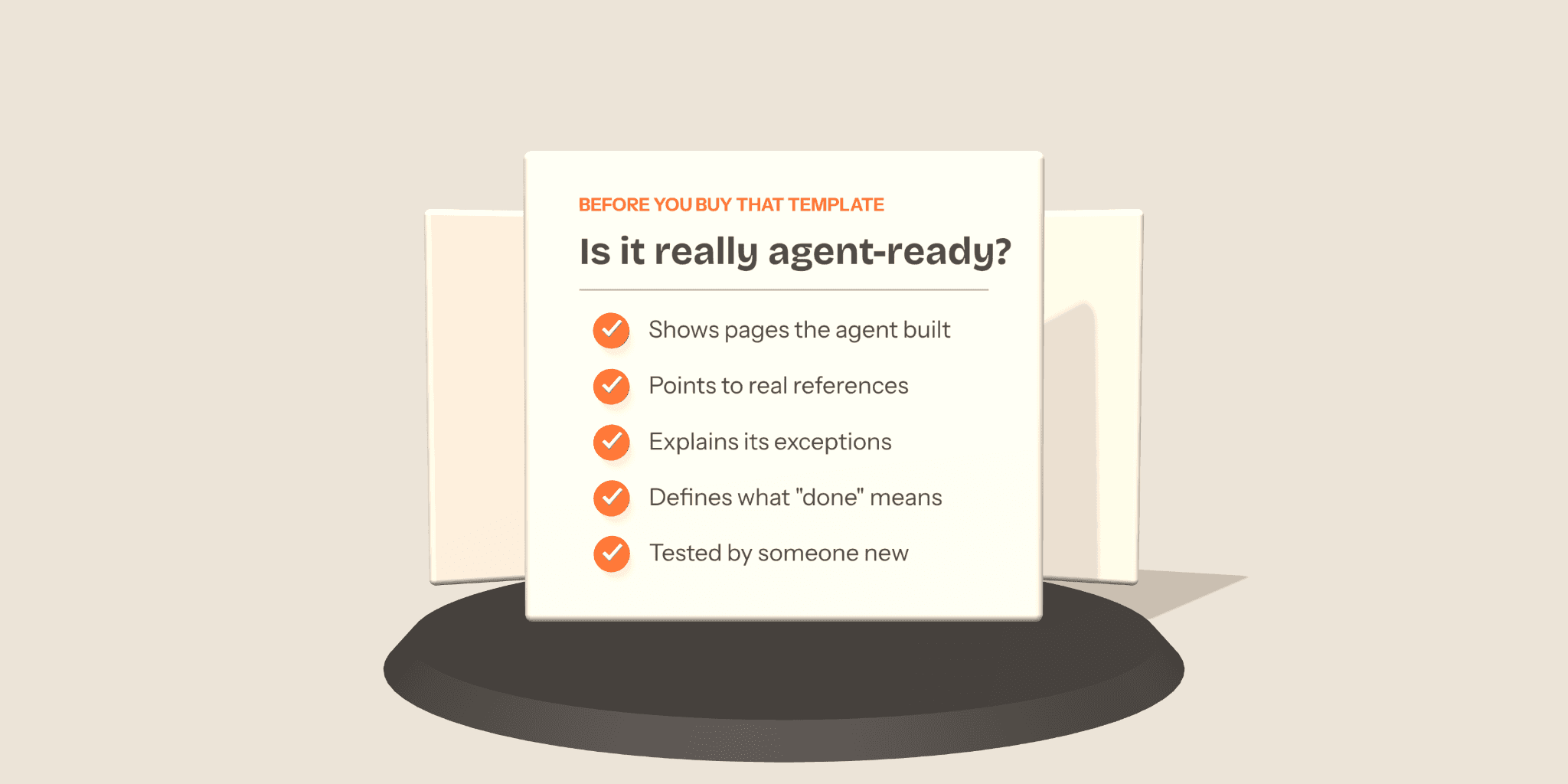
Use these on any template, including ours.
Does it show what the agent built? Look for real pages an agent created from the template’s instructions, not just the original pages the designer made by hand.
Does it point to real references? Good instructions name specific pages and sections to copy from. Rules alone aren’t enough.
Does it explain its exceptions? If the template has a distinctive layout choice, the instructions should say it’s deliberate and where it applies.
Does it tell the agent what “done” means? Look for checks on mobile layout, metadata, and anything else that’s easy to forget.
Was it tested by someone new? Ask the creator how they tested it. “It works when I use it” is not the same as “it works for a stranger.”
If a template can’t answer at least three of these, treat “agent-ready” as a label, not a feature.
What we ship: Agent Kit on Mindly and Solwell
Our goal is for every Omakase template to ship with an Agent Kit. Two are live today: Mindly, our AI course template, and Solwell, built for solar installers. On both, Agent Kit is available as a tier at checkout. It includes the design system (which is the DESIGN.md), the page patterns to copy from, brand voice, the agent workflow, an audit script that checks the agent’s work, and a walkthrough guide, all tested against the actual template.
Try it out now on Mindly or Solwell.
The verdict
Framer just made the instruction layer free. That’s a good thing, and it’s also the end of “we include agent instructions” as a reason to buy anything. What’s left to compete on is what was always the hard part: knowing which references matter, which rules bend, and proving the result holds up when a stranger uses it. Generation is becoming infrastructure. Taste, systems, and testing are what you’re actually paying for.
FAQ
Is a Framer Skill the same as an Agent Kit?
No. A skill is a saved set of instructions. An Agent Kit is a tested package that includes design rules, page patterns, brand voice, an agent workflow, an audit script, and a walkthrough. Skills are one way to deliver parts of that package.
Is DESIGN.md the product?
No. DESIGN.md is the design rules file inside an Agent Kit. It tells the agent how things should look. The rest of the kit tells it what to copy, how to write, and how to check its work.
Do Framer Skills survive when I remix a template?
Yes. Skills stay with a project when it's remixed, so instructions a creator adds come with your copy.
Do I need Claude Code to use an agent-ready template?
Not necessarily. Framer has its own built-in agent, and it also connects to external agents like Claude Code, Codex, and Cursor. Check the template's walkthrough for which setup it was tested with.
Is agent-ready worth paying extra for?
Only if it's been tested. Use the five questions above. If the creator can show you pages an agent built that still match the original, it will save you hours of fixing drift. If they can't, you're paying for a text file.